Update as of February 27, 2026: We have temporarily paused the one-time redirect of grid view sheets to table view for free users while our Product and Engineering teams investigate some customer feedback. This one-time redirect will be re-enabled after its resolution.
Original post:
Hello Smartsheet Community,
We’re excited to share an update that brings you a more modern and collaborative way to work in Smartsheet — table view. Built on our next-generation platform, table view is designed from the ground up to support work management in current sheets while unlocking new capabilities now and in the future that will make it easier to manage work as a team in real time.
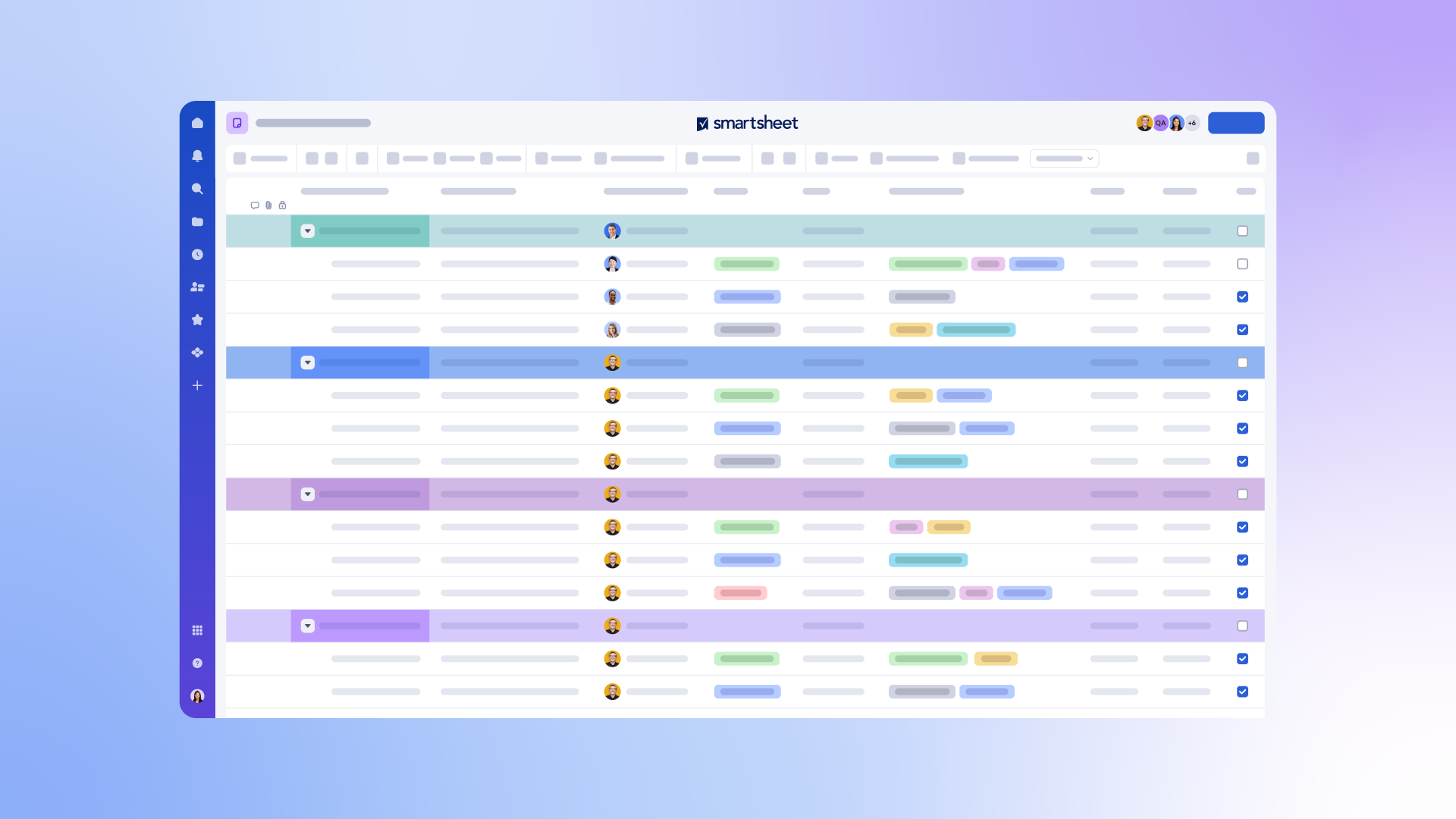
Starting February 23, 2026, free users such as Viewers and Guests (i.e., users without a seat or license on paid plans) will see the following change:
- There will be a one-time redirect to table view for existing sheets: the first time you open a sheet that was last viewed in grid view, it will automatically open in table view.
This redirect isn’t just a change, it’s an opportunity. When you switch back to grid view, you’ll be prompted to share feedback on what’s missing for you to work exclusively in table view. Your insights will help shape the future of the product experience, and we look forward to hearing from you.
With table view, you get:
- Real-time collaboration that keeps everyone aligned as changes happen
- Modern design and usability to simplify working across various projects
- A consistent and uniform platform experience across our new experiences, including board view and timeline view
If you are a free user, such as a Viewer or Guest, you can always switch back to grid view, but we encourage you to explore table view for both new and existing work.
To learn more about why we launched table view, read our original Community post. You can also explore these help articles to learn more:
Thank you for helping us shape the future of Smartsheet and for being an active part of our Community.