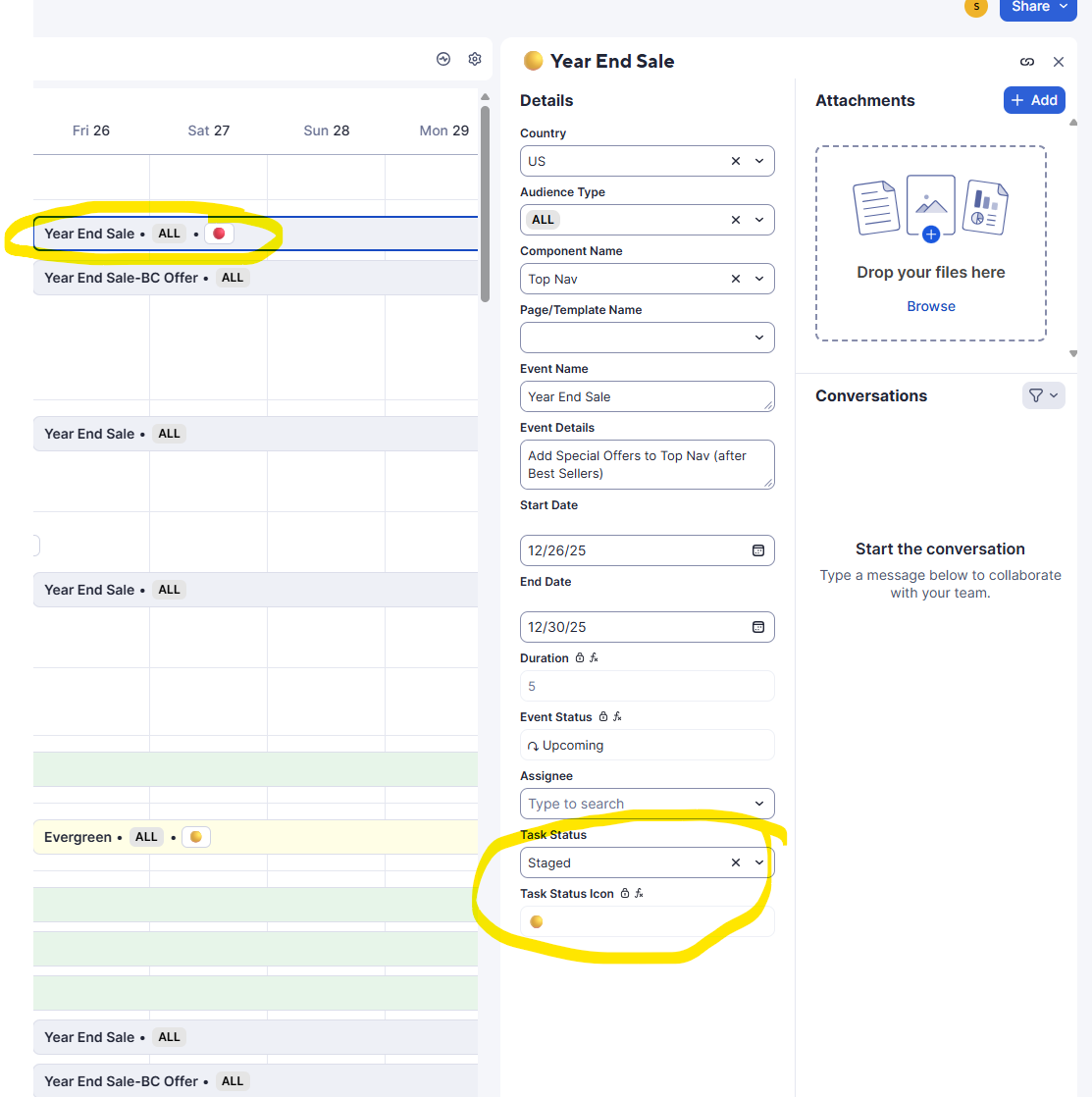
I have a grid sheet with formulas and conditional formatting set up so that when the Status of a row/task changes, the row color and icon update accordingly (e.g., when Status = “Staged,” the row turns yellow and shows a yellow icon). These colors have always carried over correctly into Timeline view.
Previously, if I clicked on a task directly from the Timeline view and updated the Status in the right-side panel, the Timeline view would update the row color immediately. However, now the color change only appears after I manually refresh the page.
Nothing in my formulas or conditional formatting has changed. Has anyone else experienced this issue, or is this possibly a temporary glitch?
Example: