Connect with peers, share your expertise, and inspire what’s next in Smartsheet — from proven practices to practical how-to insights from fellow users and product experts.
Sign in to join the conversation:
Hello,
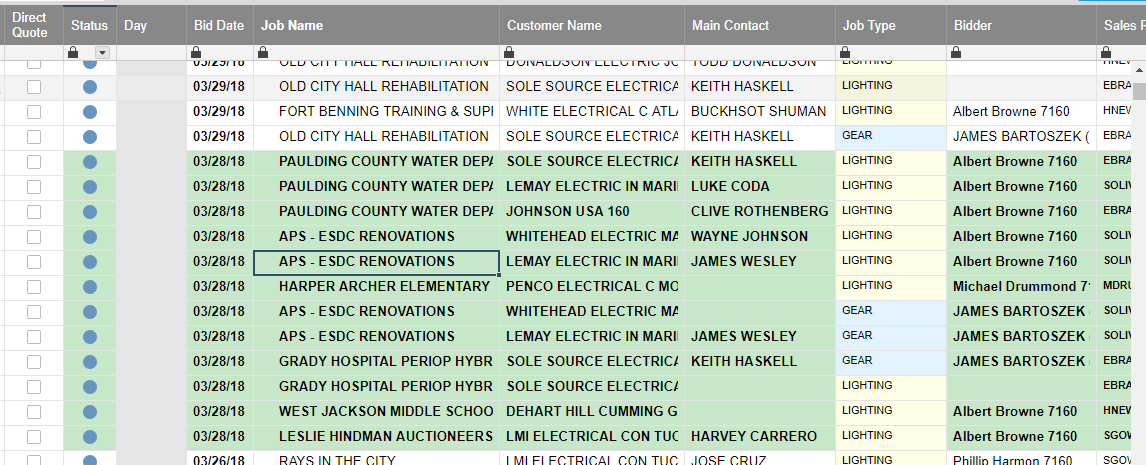
I would like to have a formula in place that automatically selects a day of week based on the date we paste in the "Bid Date" Column. When 3/26/18 is loaded into [Bid Date] Column it produces "Monday" in the [Day] Column, and so forth... Is this possible?
This is long, but try:
=IF(WEEKDAY(Bid Date1) = 1, "Sunday", IF(WEEKDAY(Bid Date1) = 2, "Monday", IF(WEEKDAY(Bid Date1) = 3, "Tuesday", IF(WEEKDAY(Bid Date1) = 4, "Wednesday", IF(WEEKDAY(Bid Date1) = 5, "Thursday", IF(WEEKDAY(Bid Date1) = 6, "Friday", IF(WEEKDAY(Bid Date1) = 7, "Saturday")))))))
Put that formula in Day1 and then drag it down as needed.
Thanks Wade.
Unfortunately, this is what I got #Unparseable
Disregard Wade. I realized I needed brackets around [Bid Date]. Works Great!
I suggest another more clean way:
Create a new sheet let's say called "conversioni" with a conversion table like (sorry italian days...)
then in the data sheet you create a formula
=INDEX({CONVERSIONI: weekday}; MATCH(WEEKDAY([Creato il]@row); {CONVERSIONI: Weeknumber}; 0))
that point at that conversion table and transform your weekday in the word you chose
then you can create a column formula and that's all...
The dashboard previously contained 16 widgets, and I have confirmed that the widgets still exist in the backend. However, when I open the dashboard, nothing is displayed, and I am unable to enter Edit Mode or access the widgets/data sources. I have already confirmed the following: I am the owner of the dashboard and have…
I have an end date column and want to add 30 days to that for a new column that shows due date. How do I add 30 days to a date automatically?
Why is it so convoluted now! I eventually figured out the changes and ended up with a sheet that Smartsheet completely reorganised the rows and the sheet is now useless to me as it is not in a logical order for me to easily restore to its original layout. This is not an "improvement"! It was far easier to upload data…