I am in the process of designing our Smartsheets workflow and am trying to better understand the capabilities / limitations of these integrations.
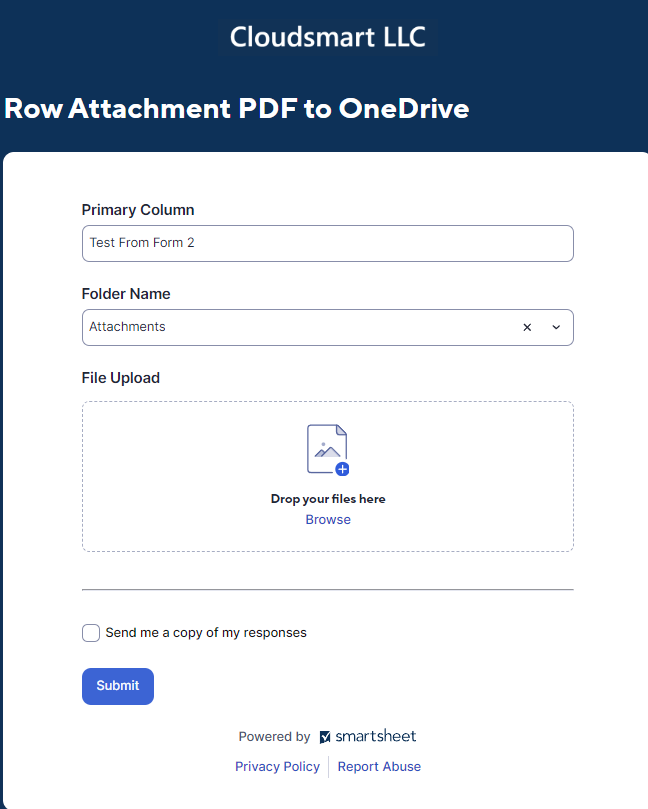
Current Process: 1) We receive a PDF (say an invoice). 2)Manually save the file in Onedrive updating the file name. 3) Manually enter the data from the PDF into a SS Form and attach the invoice, which enters the data into a new row in SS.
For Onedrive:
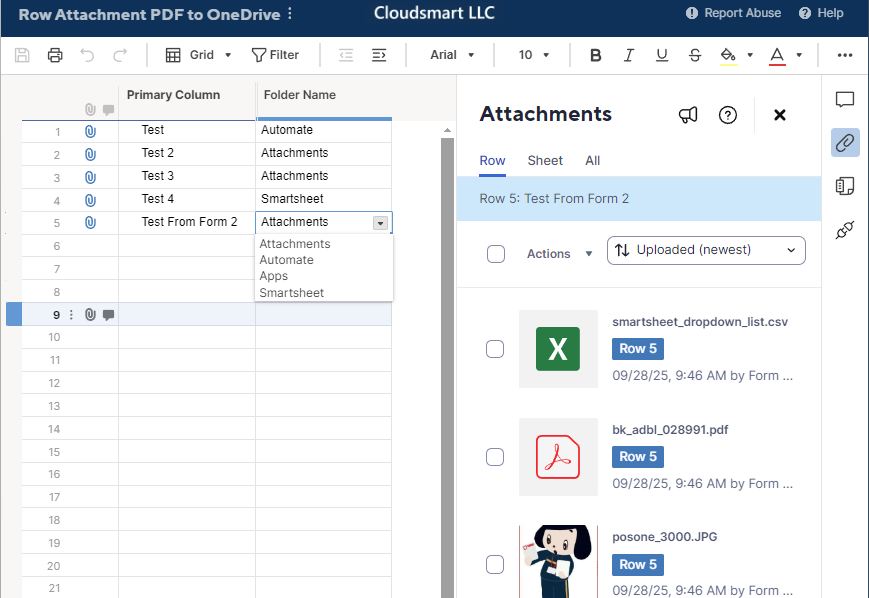
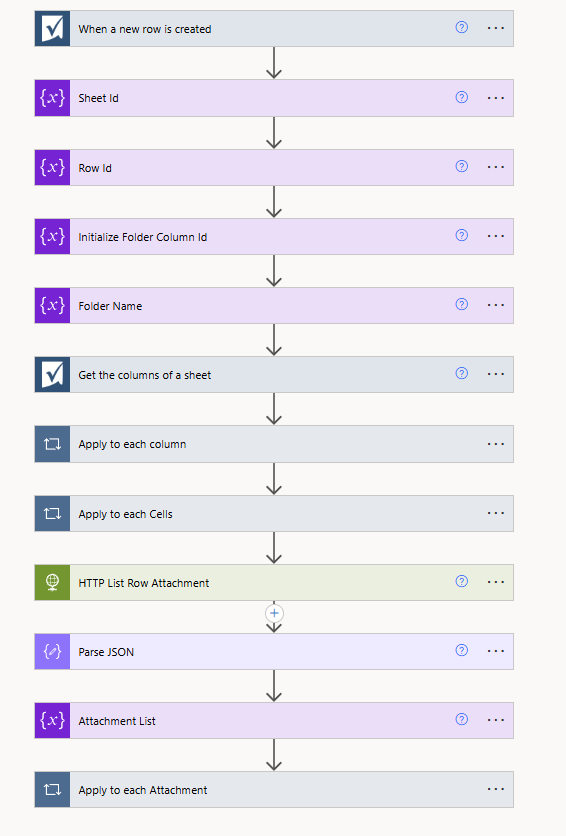
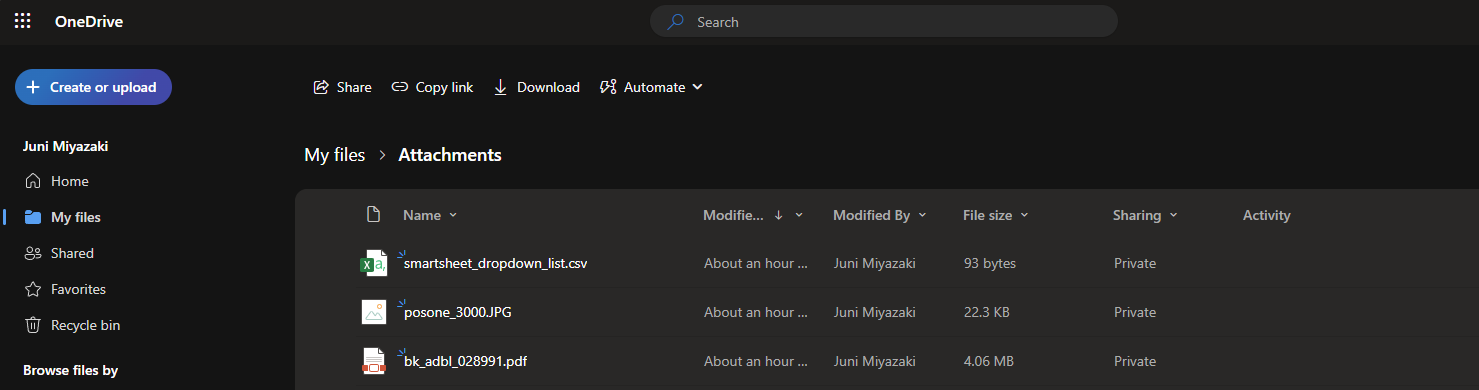
- If an attachment (PDF) is added to a row via Forms, is it possible to have it auto-save in OneDrive?
- If the user updates the file name manually in SS, will the file name be updated in One Drive?
- Is it possible to have certain parameters in the row dictate where specifically that file is saved? (column A used in naming the file, or to identify the folder to save it in)
For DocuSign
- I'm assuming I can create a workflow where a trigger (specific status or check box) will send the attachment to DocuSign. But is there a way to automate who the PDF is sent to for signing? Do I still need to manually go into DocuSign, place the correct signing fields in the correct location, and enter the person who needs to sign?
- Once the PDF is signed is there a way to automate 1) signed copy added to the row. 2) signed copy added to OneDrive. 3) Signed copy sent to specific individuals (customer)
In an Ideal work, I would use a PDF parsing tool like PDF.co to skip the manual data entry from PDFs into SS. I suspect naming the file and saving it in the correct location must remain manual. And I'm hopeful that there are automation templates available for receiving, signing, and returning PDFs to customers. But I'm not sure whether that workflow can record the original unsigned copy and the newly signed doc in Onedrive.
Any and all feedback is greatly appreciated!