Connect with peers, share your expertise, and inspire what’s next in Smartsheet — from proven practices to practical how-to insights from fellow users and product experts.
Sign in to join the conversation:
Hi,
Is there a way where in my form that I had created to be able to customize more logic behind the selected answers? For example -- if a user selects (no) for question #2 ---- and on questions # 5 the user selects (Need more information ) from my drop down box - then I want the email after they click submit to be catered differently with additional information to just those people that had answered it that way and for those who selected a different answers to question 2 and 5 gets a different type of response after the click submit. Is there a way to do that?
thank you
Karen
Yes, I think this could be possible using Smartsheets Notifications. You could set up a notification when a new row is added and certain check-boxes are selected to email the person submitting the form. Be sure to have them populate a contact column with their email. For more on setting up notifications see: https://www.smartsheet.com/blog/new-in-smartsheet-advanced-notifications
@kwt_v1
Hi Karen,
This will be possible in Smartsheet soon.
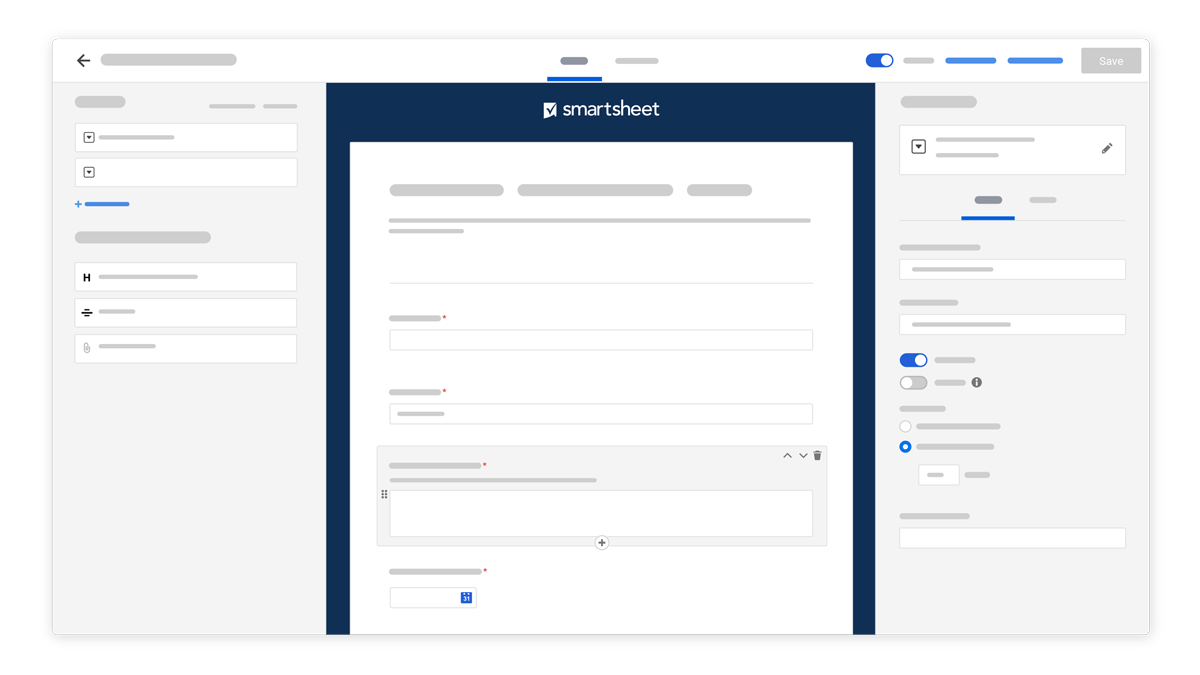
We will soon introduce two major enhancements to Smartsheet forms that we’d like you to know about in advance:
All of your existing forms will continue to work and be fully editable in the new builder.
Learn more about the update here.
Would that work?
I hope that helps!
Be safe and have a fantastic week!
Best,
Andrée Starå
Workflow Consultant / CEO @ WORK BOLD
✅Did my post help or answer your question or solve your problem? Please help the Community by marking it as the accepted answer/helpful. It will make it easier for others to find a solution or help to answer!
How can one make it so if you Answer Yes in a field that a message then shows.... Example, Q: do you like milk if Answer Yes then logic says Enjoy Milk, if No then logic says Don't drink Milk... how can you do this, can't see a way or work around
@Garry
You could use the logic to show a column/field with a default value that you decide.
Hello, When attempting to create a pie chart using sheet summary, the option is no longer there. Is there a work around? Unable to select Sheet Summary.
Smartsheet does not currently support publishing a calendar view from a report (portfolio report) directly to Outlook. The iCal publishing feature is only available for individual sheets, not reports. For my use case, I have many project plans and would like to surface tollgate review dates in a single Outlook calendar…
When I duplicate a form, Heading fields are dropped from the conditional logic in the copy. In the original, a dropdown's "then show the following fields" list includes two Headings. In the duplicate, the condition and the other fields carry over, but the Headings are missing. Screenshots of both are attached. Has anyone…