Best Of
Re: July Question of the Month - Join the conversation and receive a badge
Hi there, dear all,
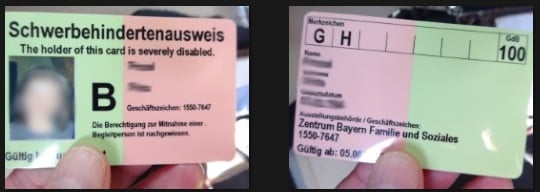
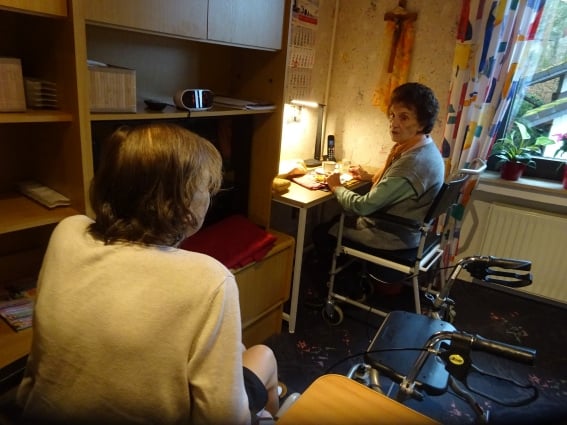
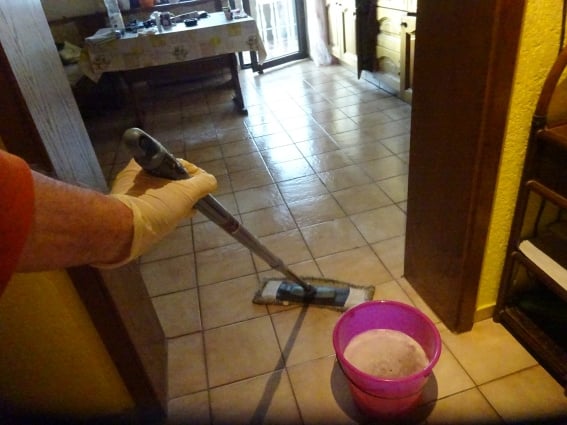
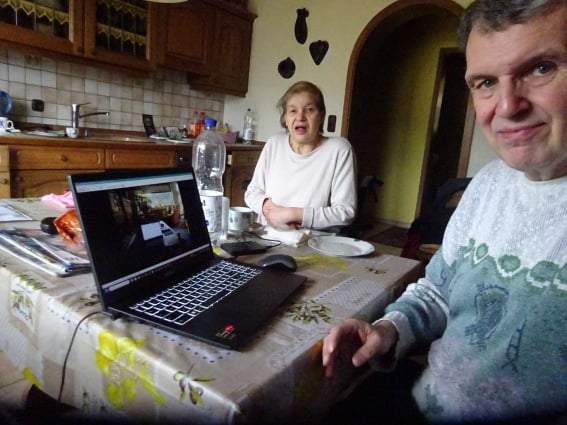
My name is Hans and I am a German. Have been working more than twenty years in the tough automotive industry as a project manager and also accomplished at this time to be Smartsheet certified and was teaching my fellow coworkers in project management as well. Now I am 66 years old. But when I retired then it turned out that my wife got sick, handicapped to a 100% degree and sits now in a wheelchair. At the same time my almost ninety-year-old mother broke her hip. I took her with me home and care now also for her as well. This was and still is a big challenge for me. Nonetheless, I think I manage everything pretty well by caring for them and do laundry and run the household and so on. They are my first priority and neither of them had to go to a nursing home! First goal accomplished!
Handling two severely handicapped people took a lot of my energy. T
o still stay sane I needed to do something else purposeful too. I needed mentally distraction. So I decided to write a book. A textbook about Smartsheet and WBS (Work-Breakdown-Structure), embedded into a novel. This was already forever always my dream in my life! Easter this year 2025 I released my e-book at Kindle Direct Publishing. It has 416 pages, is written in German language, and you can look it up at Amazon when you there search either for “Smartsheet” or my name “Hans Porzel”. Second mission also accomplished!
Happy smiles!
Here a few pictures so you may get a better idea where I am talking about.


 Hans1958
Re: Smartsheet recognized as a Customers' Choice in the Gartner® Peer Insights™ + Giveaway
I use Smartsheet at work all the time, and there are a ton of projects that I could mention. Instead of work, though, I'm gonna highlight a personal use.
Almost a year ago, my partner and I bought a house! As everyone knows, with a new house comes new challenges. We planned everything out, did a LOT of research with our finances, and after a few months, something was just off. So, to Smartsheet I went! Using Smartsheet, I redid all things budgeting and expenses, breaking everything out both individually and through shared expenses. Thanks to this, we were able to confidently adjust, and everything has been smooth sailing since. It seems simple, but it's lifted a HUGE stress from our lives.

Re: I need to Sum a column from a reference sheet and display the number in my primary sheet
Hi @Jewelle W
You can use the SUMIFS function.
=SUMIFS({TS WIP Incurred Hours}, {TS WIP : Project Name}, [Project Name]@row , {TS WIP : Phase Name}, [Phase Name]@row , {TS WIP : Task Name}, [Task Name]@row )


By the way, the correct format for COUNTIF(S) and SUMIF in your formula is as shown below.
=COUNTIF({Incurred Hours}, {Phase Name} = [Phase Name]@row )
=COUNTIF({Incurred Hours},>0, {Phase Name} , [Phase Name]@row )
COUNTIFS(range1, criterion1, [range2, criterion2, ...])
=IF([Budget:]@row > 0, SUMIF({Incurred Hours}, {Phase Name} = [Phase Name]@row ), "")
=IF([Budget:]@row > 0, SUMIF( {Phase Name}, [Phase Name]@row, ({Incurred Hours} ), "")
SUMIF(range, criterion, [sum_range])

Re: Display all column values on a Dashboard
- Create a Report:
- Go to Browse > Create > Report.
- Use a Row Report.
- Set the source sheet to the one with your desired column.
- Under Columns to Display, include only the column you want to show.
- Use filters if needed (e.g., exclude blanks or duplicates).
- Save the Report.
- Add to Dashboard:
- Open your Dashboard.
- Add a Report Widget.
- Select the report you just made.
- Resize/format as needed.
✅ Best method for listing multiple values directly from a column.
 Naeem Ejaz
Smartsheet recognized as a Customers' Choice in the Gartner® Peer Insights™ + Giveaway
Community, who doesn’t love to start the week with good news? We certainly do!
Smartsheet was just recognized as a Customers' Choice in the Gartner® Peer Insights™ Voice of the Customer for Collaborative Work Management. Not only that, but this is the third time in a row — how awesome is that!? 🎉
We’re excited to celebrate with you with the chance to win a Smartsheet-McLaren branded backpack!
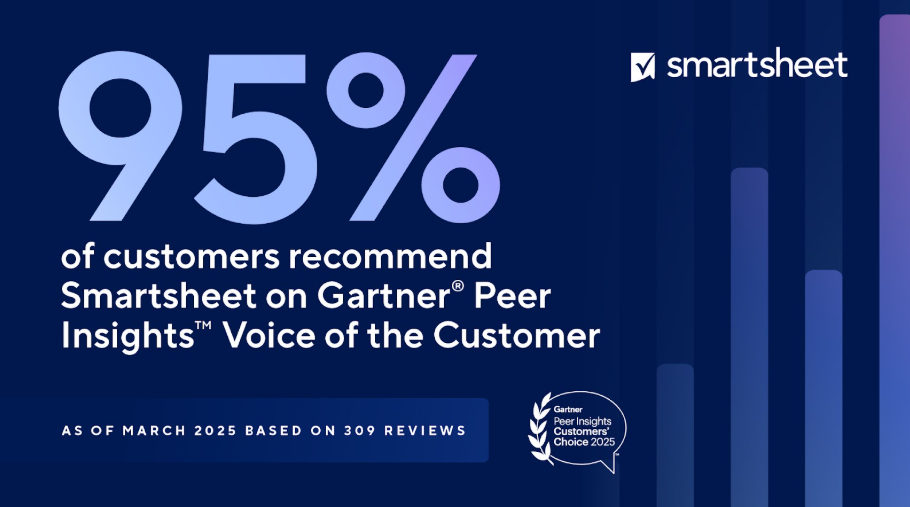
We're especially grateful for this recognition because it comes directly from customers' feedback! Every day, Smartsheet users like you, across different industries, teams, and regions, are collaborating, pushing what's possible, and creating amazing solutions.
Principal Program Manager, IT Function, Services Industry
With such great news, of course we want to celebrate together with you. Participating is super simple, just answer the prompt below and you’ll be automatically entered to win Smartsheet swag.
Tell us: What's one clever or unique way you've used Smartsheet that you're proud of?
You use Smartsheet in such a vast variety of ways, to make things flow at work, at home or in your community. We can't wait to hear about the ingenious ways you're putting it to use and the outstanding solutions you’re developing!
You've got time to participate until Monday, August 11 at 5pm PST.
Full giveaway rules:
 Rebeca S.
Re: Rich Text Formatting for Conversations/Comments
Format text (e.g. Bold, bullets, automatic numbering) in conversation and in partial area within a cell.
 ath
ath
Re: Parent status based on children
You need a nested if formula
=if(contains("Blocked", children()),"Blocked", if(contains("In Progress", children()),"In Progress", if(contains("Completed", children()),"Completed", "Not Started")))
 Samuel Mueller
Re: July Question of the Month - Join the conversation and receive a badge
The fulfillment of my goal came early in the year when my aunt, who lives in Italy, was turning 100. I was the only person in the whole family (living in the U.S.) who hadn't travelled to Italy. It was quite embarrassing when the generation younger than me have been there and 1 young cousin splits her life between the two countries.
When my brother and his wife commented they were thinking of going for the birthday celebration, I threw caution to the wind and said let's make it happen! This is so unlike me, not worrying about expenses and all the other details. I actually didn't give myself enough time to worry. We decided to go in Dec for 2 weeks the latter half of March.
It was spectacular! Got to see a lot of family, the towns/houses where each grandparent lived, the Church the family financially supported over the centuries (since c. 1400s), the plaque dedicated to my maternal great-grandfather for all his contributions and the mountain that was in my paternal grandfather's name for decades/generations (after he won it back in a card game when his father lost title 😊).
And then there were all the regular, historical sites to see, participating in the Pilgrimage of Hope and wondering who was going to be the next Pope. Thankfully, we left just as the conclave started. We got to see everything without the major crowds.
It was a dream of a lifetime!
God is good!
 Kathy PPT
Re: SmartU New Offerings - Smartsheet Builder Path & more!
Thank you for the clarification and encouragement for becoming a Smartsheet Certified Professional. I have already looked at the presentation part. The cost of just an exam is usually within reach, however discounts are always welcomed. I am looking forward, in that nerdy twisted way, of taking on the challenge.
Meg Young
 Meg Y
Meg Y
Create more Column Links per sheet
July 07, 2025
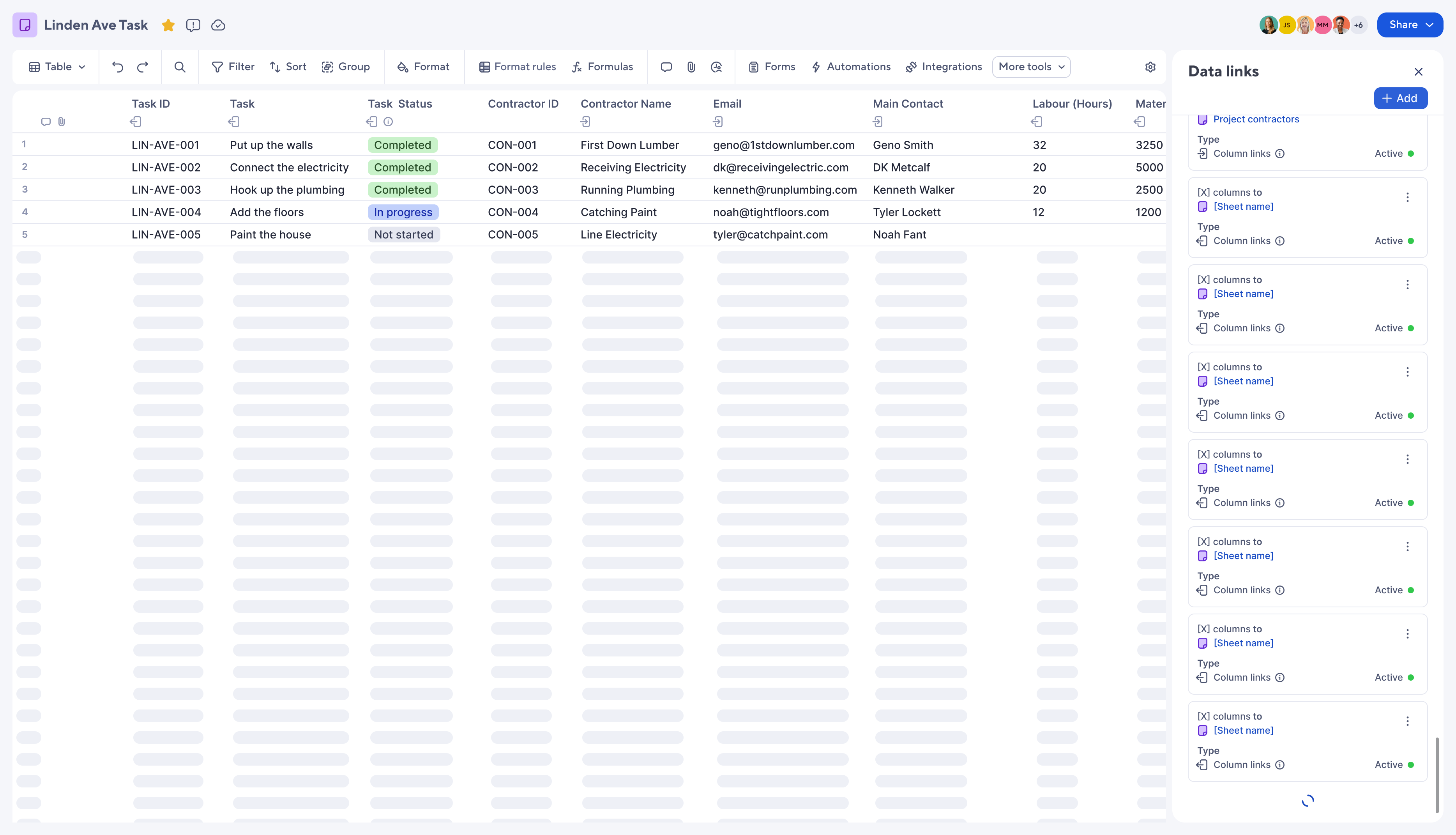
This release adds pagination to the Data Links panel so users can create additional column link configurations.
Previously, users could only create 20 inbound and 20 outbound column link configurations per sheet. Limits are being increased as follows:
- Inbound column link configs: 20->400
- Outbound column link configs: 20->250,000
Environments availability: Commercial US, Commercial EU
Plan availability: Pro, Business, Enterprise, Advanced Work Management
Subscription Model Availability: Legacy Collaborator Model and User Subscription Model
Stay informed by Subscribing to receive product release updates for curated news of recently released product capabilities and enhancements for the platform of your choosing, delivered to your inbox. As new releases occur, you will receive a weekly email with news of what's released every Tuesday.
 Danielle Wilson