Best Of
Re: Include option in dashboard widget settings for open in new tab
Recommending adding the ability for links on Dashboards with the Shortcut Widget to select to open links in new windows.
 shaneram221
Re: Get Email from Contact Name
Adding a +1 for this. I see 2 functions that would be useful:
CONTACT_EMAIL(contact) - this would result in the email of the contact
CONTACT_NAME(contact) - this would result in the first and last name of the contact
HermeC
Allow Users to push dates out without removing Dependencies
If Task B is dependent on Task A finishing, Smartsheet currently automatically calculates the start date for Task B to start right after Task A's finish date (unless the predecessor indicates a lag).
If Task B start date needs to change, it's too clunky for user to have to figure out what lag days are needed so that the start date lands on the day they want. Imagine doing this for many tasks across multiple projects on a daily or weekly basis.
It would be great if Smartsheet allows user to push the start date of a task without removing dependencies. I know other platforms have this functionality. It makes it a lot easier and efficient for the users.
Kay_W
Exclude blank cells from PDF print on rows
It would be very helpful to have columns w/ blank cells in a row to be excluded from the PDF printout. For example, if i have 15 columns and 4 of the cells are blank on a row, I want to exclude those 4 from the PDF printout and have it only include the other 11. This would give it a much cleaner, more compact view.
 DaVina Jeffries
Re: How do you see which reports are connected to a sheet?
@Lenise Byrd hi! I would love to locate your New Feature request and vote. I'm running into same issue and SS Support said that function is not available yet. I'm having hard time locating it. Will you please send me the URL? Thank you!
 Chizu Hieida
Re: Resetting Auto-numbering for columns in templates and sheets
I have used a procedure similar to Andree's suggestion many times.
The old auto-numbers and/or their rows can be deleted, of course, but it is not necessary. When you change the column back to auto-number from text, any values left in that column will be retained - not overwritten by the auto-number configuration. This has allowed me to change my auto-number scheme for Project IDs to reflect updated standards without having to change the Project IDs for in-flight projects. I also keep in-sheet metadata & metrics. By pre-populating the auto-number column for those rows I avoid them receiving unwanted IDs, so they can be excluded from various filters, reports, etc.
Beware that you may need to save the sheet between each of Andree's steps, and refresh the sheet before changing the column back to auto-number from text. If the sheet is not refreshed it may retain outdated auto-number configuration - specifically the former starting / next number. I use the browser refresh button rather than the sheet's File / Refresh. It takes a second longer but has more reliable results for something this important.
 Pat Canning
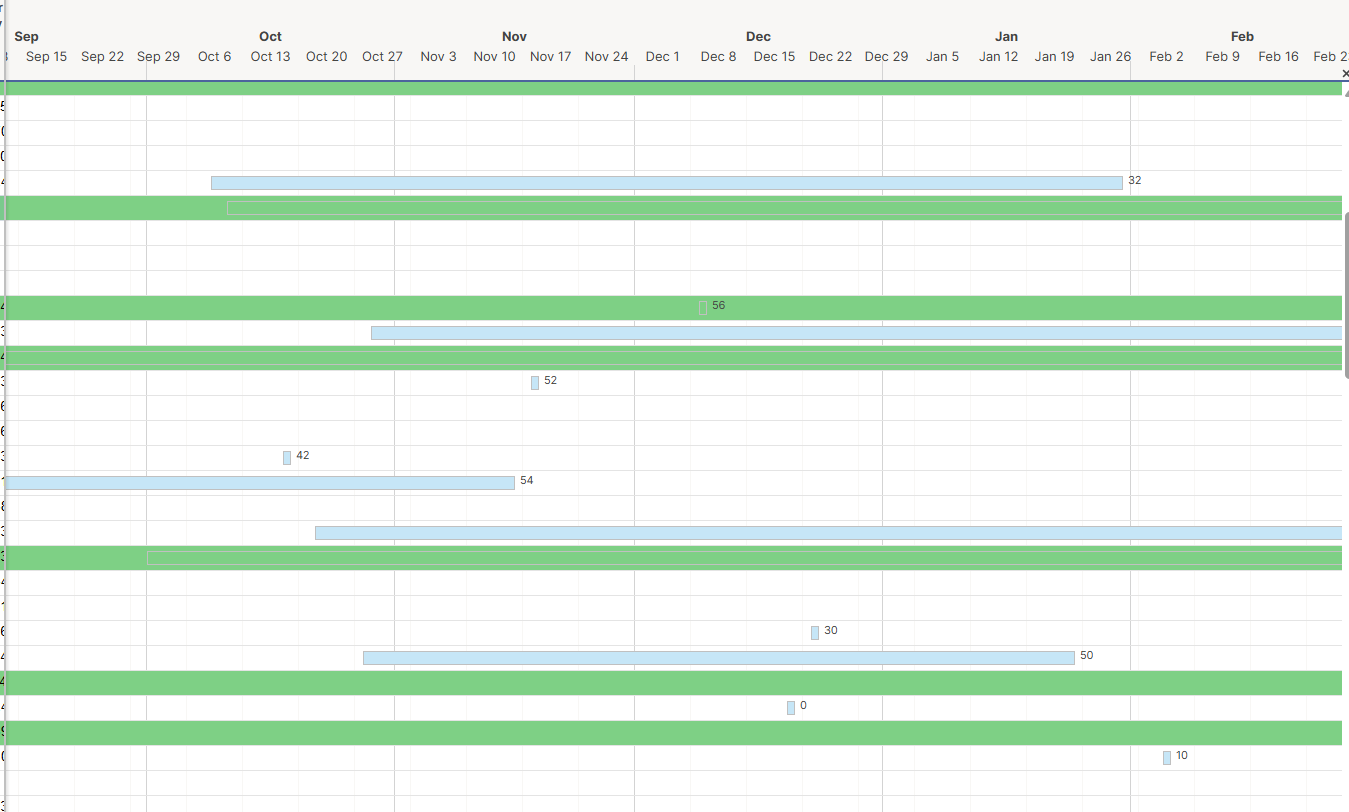
Update labelling in Gantt Chart View
Update the Gantt Chart view to display the value across all columns as opposed to just the bar. As well as, add the option to display the value at the beginning of the bar.
This feature would easily resolve LOTS of time spent on a project that we are still unable to resolve.
 jzarichney
List of Automations that include a Specific Column
We have multiple automated workflows that may utilize a single column. Currently, the only way to know if a column is used in a workflow is either in the workflow builder view or when you attempt to delete a column used in a workflow. It would be awesome to see a list of all automated workflows that are currently utilizing a specific column.


Re: Ability to drag/drop multiple documents in Dynamic View
Dynamic View needs drag and drop (multiple attachments all at once) to smartsheet and download multiple files at once. Has this feature been added to the enhancement road map?
Dynamic View ought to include options to remove attachments as well…and edit file names.
BradQM