Best Of
OAuth app allowlist and admin controls
Hi team
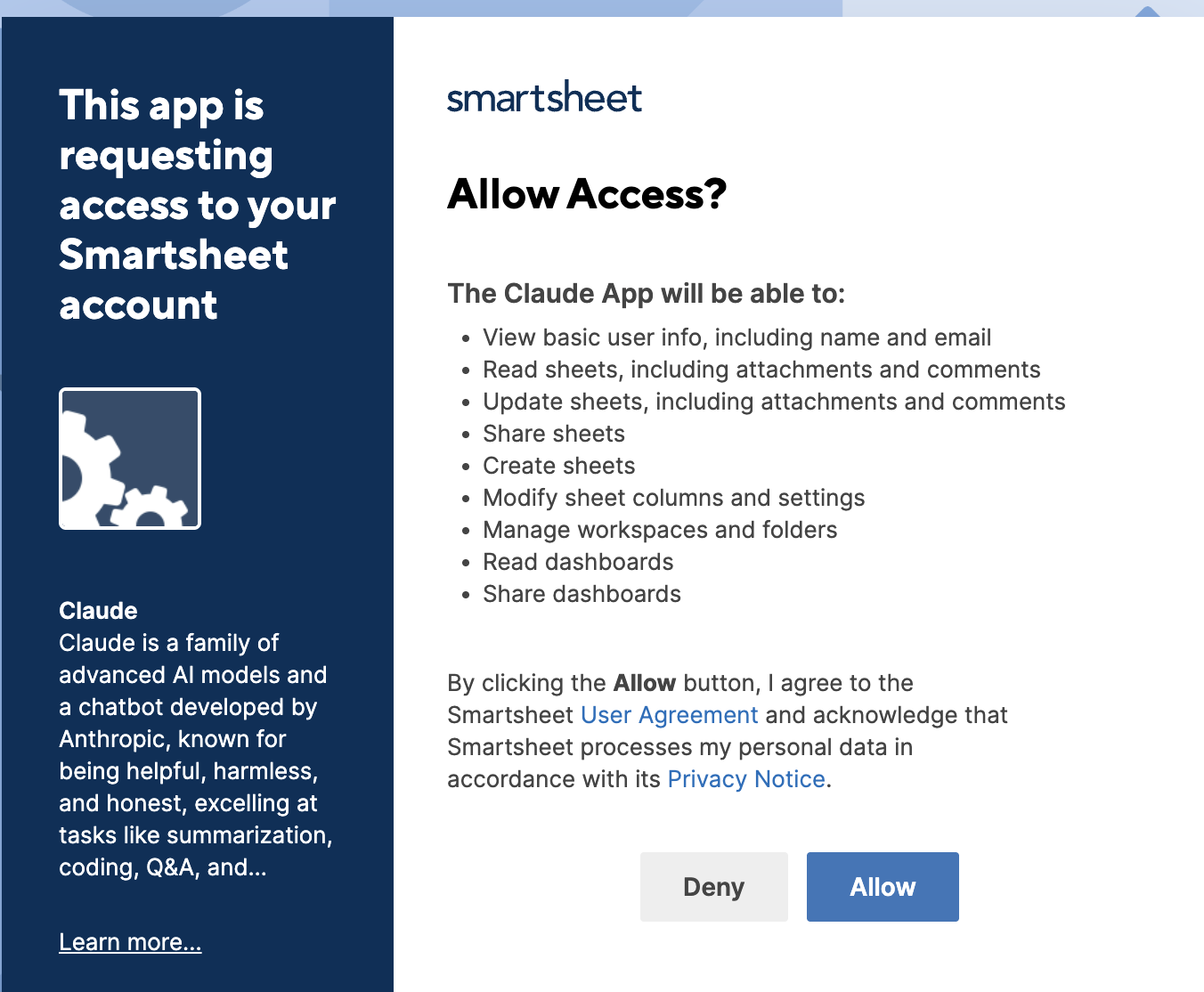
As part of a security initiative, we are hardening configurations across all resource providers to ensure only admin-approved third-party applications can access our tenant via OAuth.
We'd like to understand:
- Does Smartsheet support an OAuth app allowlist or a "block all unapproved 3rd-party apps by default" setting at the Enterprise admin level?
- If yes: how do we enable it, and can we review/approve apps individually before granting user access?
- If no: is there a roadmap plan for this capability? Are there any alternative admin controls (e.g., restricting API token creation, disabling 3rd-party connectors, or limiting OAuth scopes)?
- Can we get a list of all currently authorized 3rd-party OAuth apps and which users granted consent in our org/tenant ?
Our goal is to move to a default-deny posture where users cannot authorize arbitrary 3rd-party apps against our Smartsheet tenant without admin pre-approval. Please let us know the best path forward or if a call with your security/platform team would be appropriate.
 Donna.Alcantara
Re: Autocomplete does not show words starting with the letters being typed
Unfortunately, that does not work for me. I have many columns with long lists. In some instances, we have to use the initials which makes us have to scroll down to find the initials.
To be honest, this is rather infuriating because it is greatly slowing my data entry process and creating a lot of entry errors because it is not just populating the words that start with letters I'm typing. Why have a dropdown list if this is how it's going to autocomplete.
When I start typing letters in a dropdown list column, it should only bring up the words that BEGIN with the letters I'm typing NOT CONTAIN. If I type "US", "Australia" should NOT be an option. If I wanted "Australia", I would start typing "AU" - not "US". This doesn't make any sense.
Jackie9
Re: Autocomplete does not show words starting with the letters being typed
Thirding this. Either switch it back or give us the option to switch back please
 Chris Wolfe
Combination Charts for Dashboard
I have several dashboards where I would really need to use a Combination Chart to display my data appropriately. Linking to google sheets or other external sources is not an option for me because my data is housed in Smartsheet and is updated in real time. Having the ability to display a combination line/column chart would be immensely beneficial.
Lmccullough
Tableau x Smartsheet Integration
Being able to feed dashboard charts from tableau data/import tableau data into grid sheets/reports.
 cpatrickTHD
Reporting on security settings for forms
To help bolster security, we need to be able to report which forms have these features enabled:
- Require Smartsheet login
- Restrict to Safe sharing list
- Reduce spam with CAPTCHA
- File uploads
This would greatly assist us with determining and reducing risk.
DrewHostetler
Sheet Summary: allow multiple select dropdown
Current behaviour: Sheet summary dropdown only allows for single select
Requested feature: Sheet summary dropdown allowing for multiple select
Case: We currently use the sheet summary side panel to put all general project information. For many different fields, such as Project Scope/SKUs, it should include multiple select.
LHosannah
Why do my browser tabs reload to the wrong Smartsheet
I am a heavy Smartsheet user. On a normal day, I have over 50 browser tabs open, each with their own Smartsheet. I use Chrome and have them grouped in Chrome tab groups. I have been using Smartsheet like this for years. In the past couple of months, I have seen a major bug. The tabs will occasionally log out. This is normal. What is not normal is that when I click the button to log back in, a bunch of the tabs will all open to the same Smartsheet. They each had a different Smartsheet loaded before they logged out, but when logging back in, they all load the same page.
This began after the new login system was released by Smartsheet, which makes me wonder if this is related to that change.
Frank Malinowski
Re: Update Requests (save and update) even if not all complete
Yes! I'm also working on a workflow that involves people filling out a field in many rows via update request and i KNOW they will sometimes stop mid way and be furious that it didn't save and then come to me telling me how much they hate Smartsheet >:(.
tiogeamzn
Issues with Notification color/branding
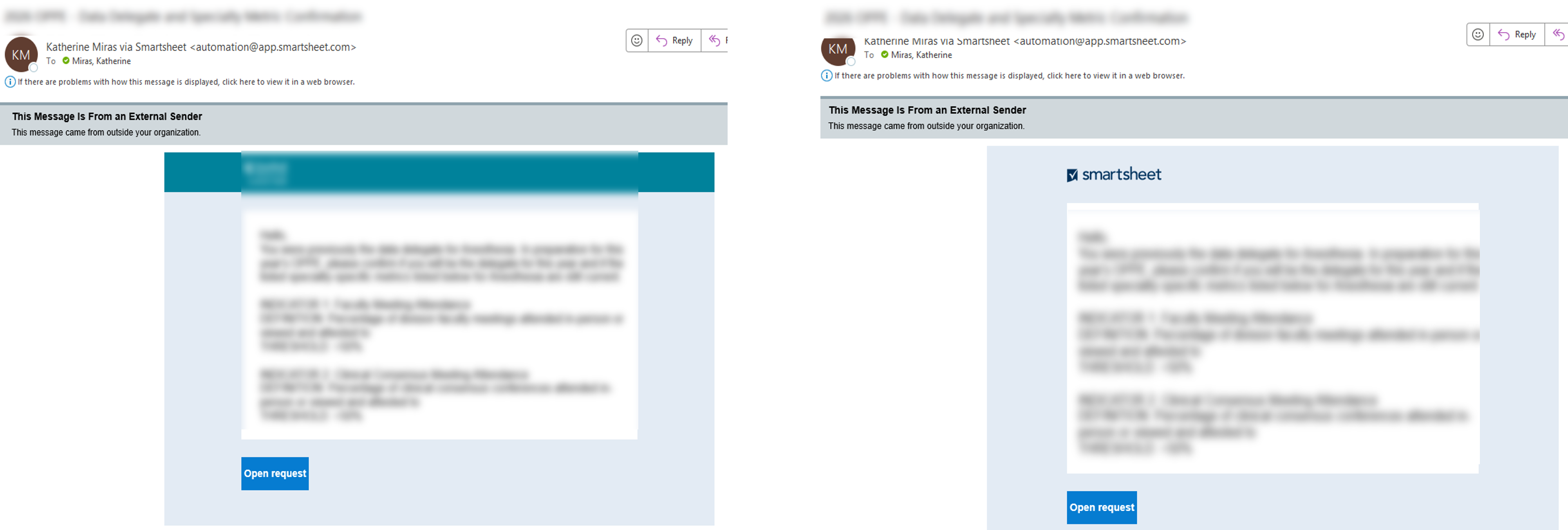
Hi all - just thought I would float this here first to see if anyone has had similar experience (and any fixes), before sending a ticket through to support. Have a basic automation notification set up with a company logo and task bar color in place. All has been working great but today it won't include the company logo or task bar color. Screenshot below - image on the left is 4 weeks ago and image on the right is today. NOTHING has been changed (ie, Workspace Colors and Logo settings etc). I have logged out and logged back in but still no success. Anyone has similar issues….or support ticket time??
 kmiras