Best Of
Re: Collections
- Find it in the
"Collections" panelif they created it or it was shared and added to their view.
My users are not able to find the collections panel, unless they are already in it. Which is a circular problem because they can't find it to get into it, without the panel.
 Angelina
Re: Customers asking access to the wrong sheet
@Naeem Ejaz Please check your answers before posting them. Some of the things you mention are incorrect, misleading, or reference features that just do not exist in Smartsheet.
@Martine Anne My first suggestion would be to reach out to them and ask….
- Where did you get the link to the sheet from?
- Why do you feel you need access to the sheet?
You can also double check the sheet they are trying to gain access to. Are there any automations set up in that sheet that could be sending an alert or something like that? Automations that send messages can include a link to the sheet within the email that it sends. You would need to adjust the automation.
Another possibility would be if there is a link to the sheet on a dashboard that they have access to. In that case, you cannot stop them from clicking on the link, but you can include instructions on the dashboard or explore other options for getting that data on the dashboard.
 Paul Newcome
Workflows made simple
Hi all,
Some ideas about making workflows flow better:
- Ability to download the chart into .pdf or .png for others to review/understand without sharing workflow itself
- Adding multiple actions under same condition path
- Ability to create own workflow template that can be re-used on multiple sheets
- Making the update request set up a little more integrated with workflows, to ensure that we can trigger it with specific conditions AND then wait - if the feedback is provided, then good, if not, re-send update request.
Thank you!
Re: Why isn't automation working?
Hi Both,
Just as a comment really but I always set my status = New as a default in any form as I find that triggers as it has a value better than blank.
 SueinSpain
Re: Editable field within workflow before approve or decline
The only way to include more editable fields is to switch over to an Update Request.
Paul Newcome
Re: Editable field within workflow before approve or decline
Update Requests can be automated using a workflow / automation the same way an approval workflow / automation is set up. It's just a different action.
Paul Newcome
Re: NEW! Modern forms submission experience with accessibility enhancements
For all users having issues with the sizing… Smartsheet support simply apologized for the "inconvenience" and told me to start a product idea thread to try to get it fixed, so here it is…
Paul Newcome
Re: NEW! Modern forms submission experience with accessibility enhancements
What's up with the bold font in sheets and forms? When I open an existing sheet, the title it bolded and not very professional looking - the clean look is what I'd like to see. Also, I've looked at a few forms I created and there again is the bolded, unprofessional font. Perhaps it's the browser (Chrome) or may be not. I've tried to change within the form and removed bold from the title just to have it look bolded when opening in a new browser window. Bold is good in some areas - just not every area. Pls bring back the former settings or at least let the owner/admin have the capability of formatting how they wish.
CarolynD
Advanced permission setting for approval flow
Is that possible to set up the dedicated password before "open request" to enter the approval page?
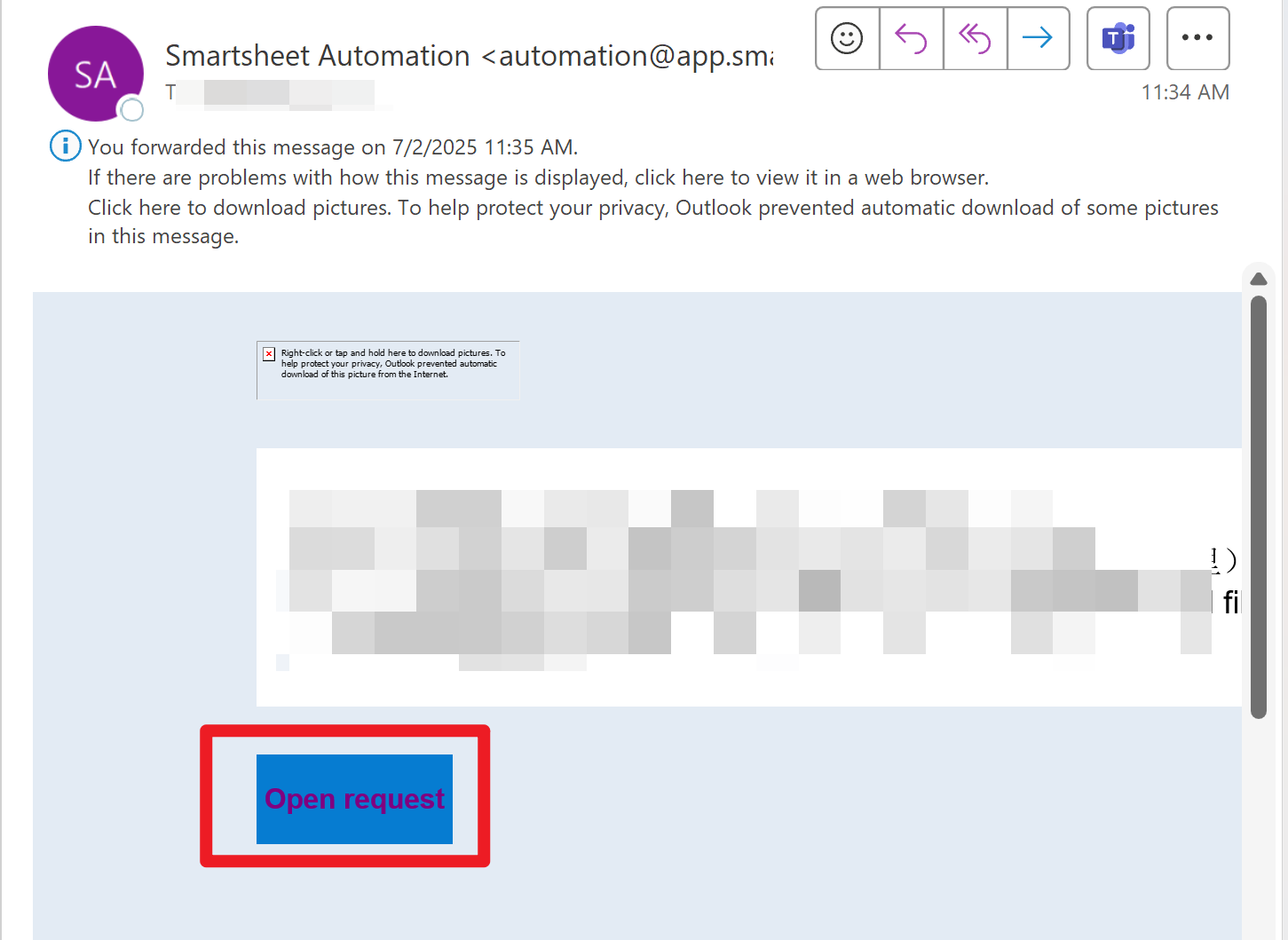
If approver A has received the request and has no permission to open the attachment, he will forward this email to the related party to get the password. In this case, other people such as B may click this link and submit it by mistake once got the link. And Smartsheet will record that "A" has approved this request. How can we prevent this issue occurs by setting a dedicated password?
Yolanda Wang
Re: Column Links Now Generally Available!
I believe that Table view will eventually fully replace Grid view. I just dug through the Table View FAQs on this thread
And I found this:
Is table view replacing grid? Grid view will remain available for the foreseeable future. Once table view fully supports key grid features, it will transition to become the new default experience. Once the majority of our customers no longer utilize grid view, we plan to retire it.
 SSFeatures