Best Of
Re: Auto Save / Invalid Operations Error.
Hi Sharon,
My issue was resolved, and everything is now working as expected.
To fix the problem, I replaced the TODAY() function in all relevant formulas with a reference to a new column titled [ Schedule daily sheet save ].
Steps Taken:
- Added Column:
Name: [ Schedule daily sheet save ] - Created Automation:
Name: Schedule-daily-sheet-save
Trigger: When a date is reached – every day starting on [set date/time]
Condition: Where Schedule daily sheet save is in the past
Action: Record a date in Schedule daily sheet save
Formula Update Example:
Old: =IF(AND([% Complete]@row < 1, [Due Date]@row < TODAY()), 1)
New: =IF(AND([% Complete]@row < 1, [Due Date]@row < [Schedule daily sheet save]@row ), 1)
Let me know if this works.
 Saj
Saj
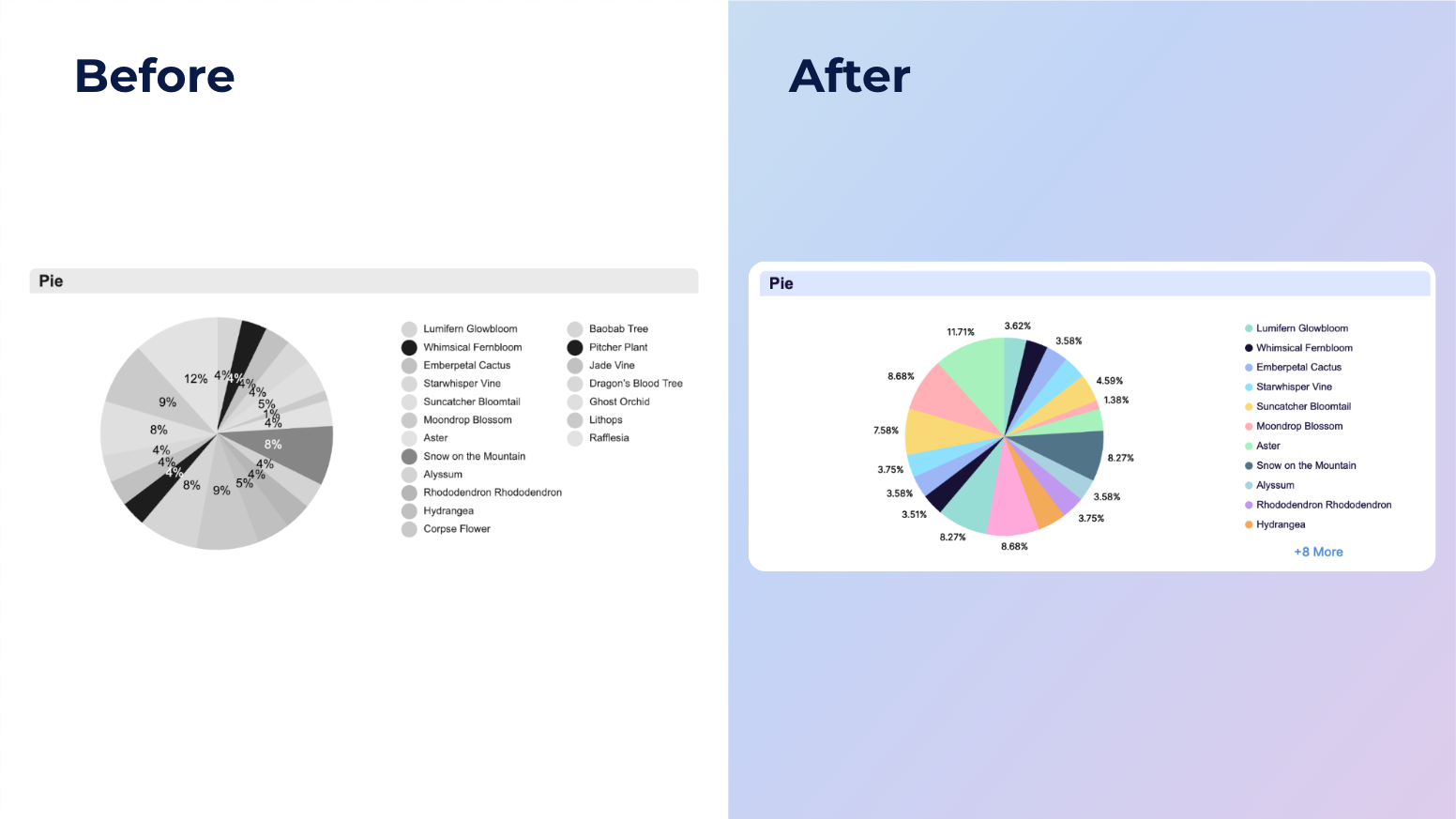
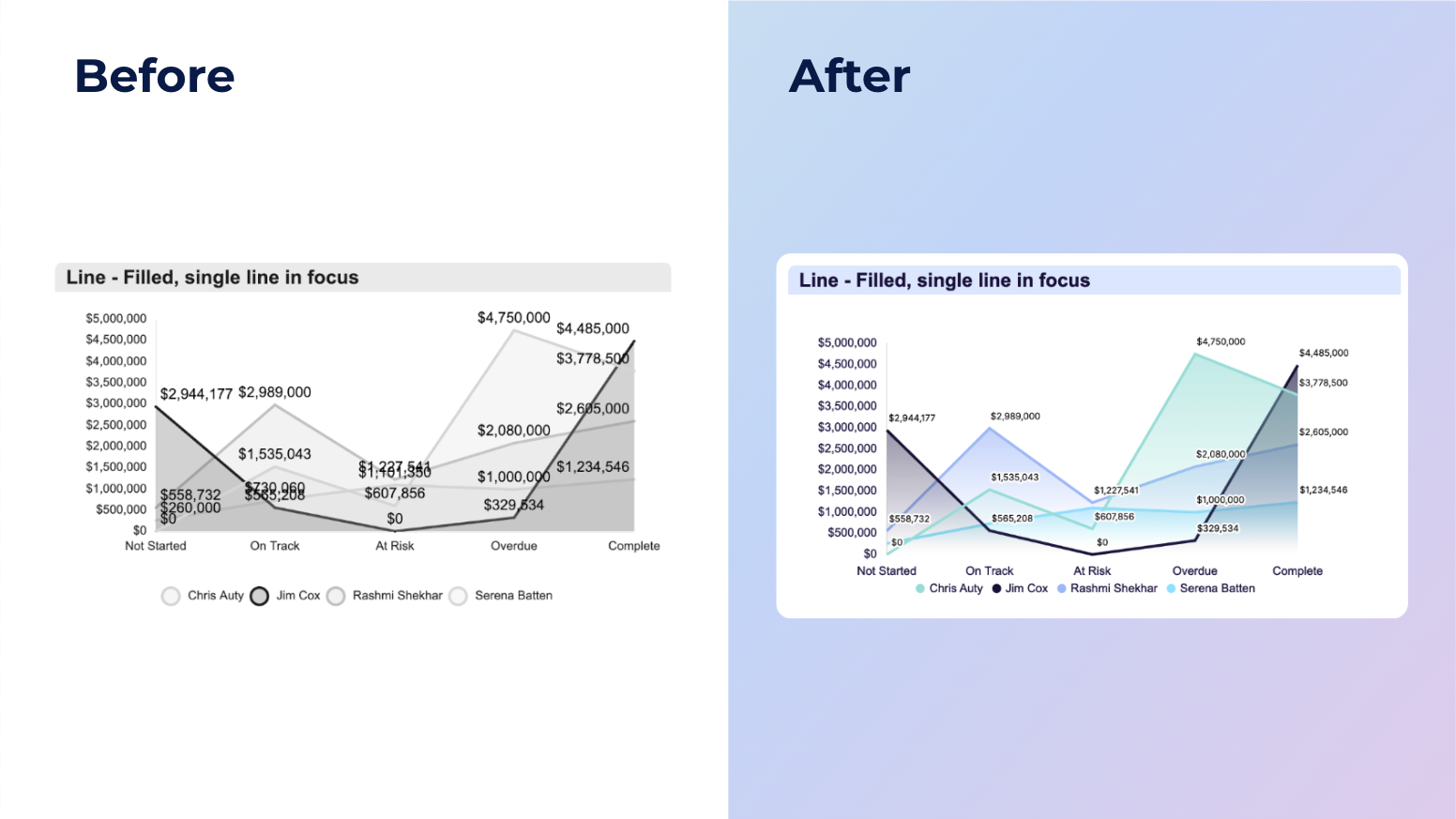
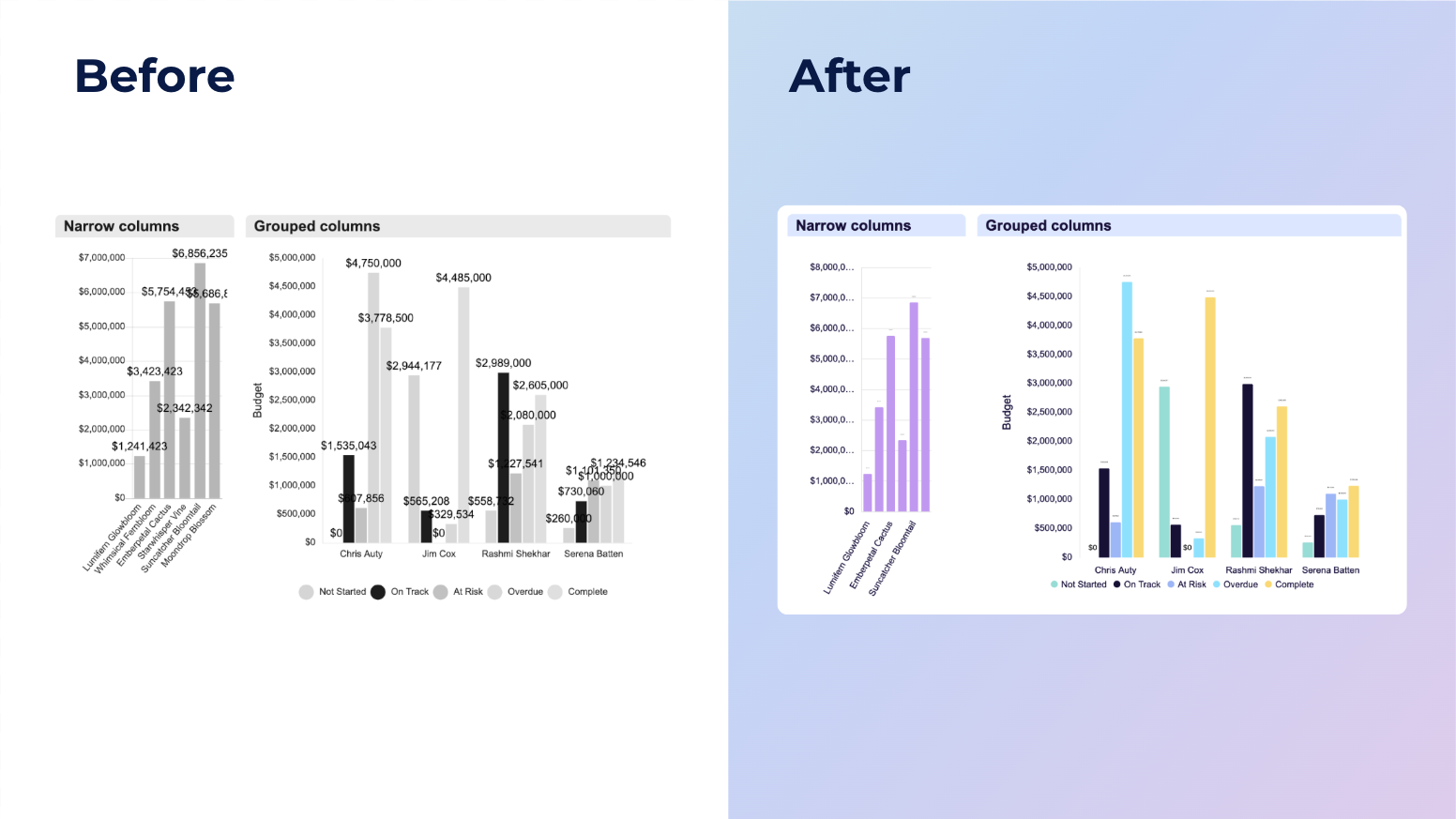
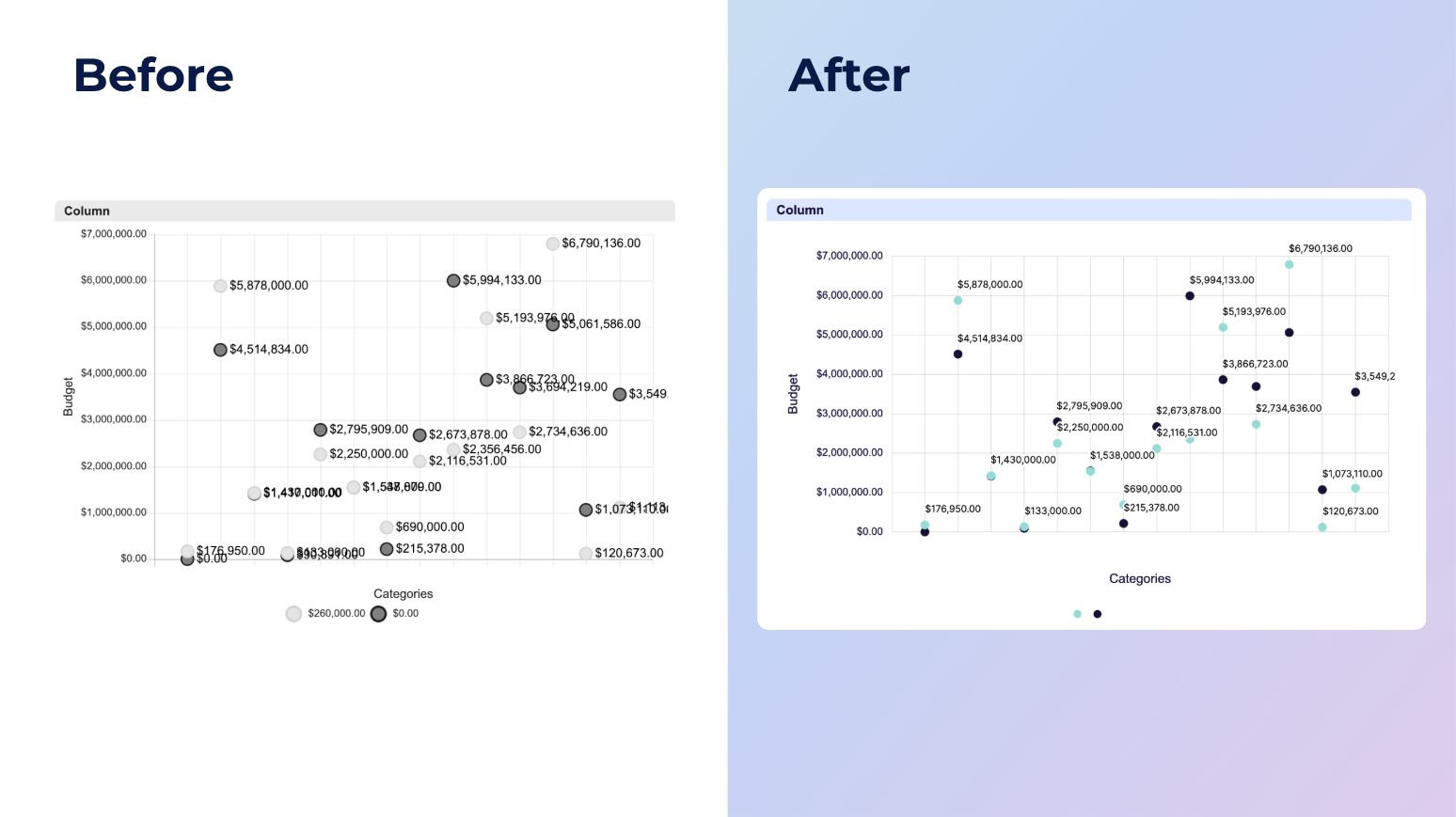
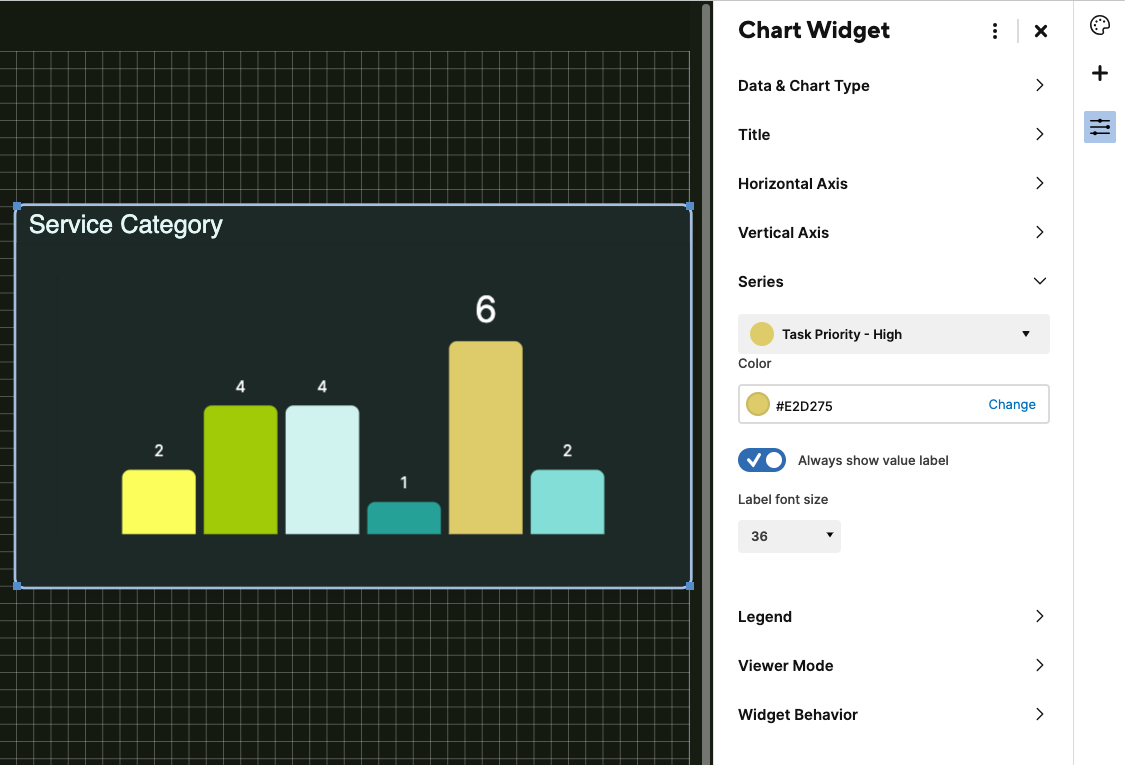
NEW! Modern chart styling and readability enhancements
Hi Community!
This update introduces a series of styling and readability improvements to the chart widget, offering a more modern and polished visual experience across your dashboard. Enhancements include better spacing, improved text overflow handling, refined display of negative values, custom series label size and more.
Dashboard editors may need to make adjustments, such as resizing charts or repositioning legends, to fully take advantage of these improvements.
Please note, this release will roll out in phases. A small percentage of you will get access first, with more added gradually over the coming days. We expect all users to have access by next week.
Environments availability: Commercial US, Commercial EU
Plan availability: Pro, Business, Enterprise
Subscription Model Availability: Legacy Collaborator Model and User Subscription Model
Stay informed by subscribing to receive product release updates for curated news of recently released product capabilities and enhancements for the platform of your choosing, delivered to your inbox. As new releases occur, you will receive a weekly email with news of what's released every Tuesday.
 Jason DelValle
Re: Automation spanning multiple sheets
Thanks for your ideas @KPH! That's a very interesting thought and I will see if I can get it to work for me.
All the best,
Lane
 Lane F
Re: SmartU New Offerings - Smartsheet Builder Path & more!
@joey.w.razzano YES!!!! 100% you are describing part of what we'll teach in the Architect learning plan and validate through the Smartsheet Certified Architect credential releasing early next year. We're capturing best practices from our in-house Architects or "Solution Designers" but I'd love to hear more about your experience teaching Smartsheet and showing people how to turn dreams into designs. We're heads down on the Professional content right now but I made a note to DM you when we get into Architect to see if you have time to chat.

Re: I'm having trouble creating and managing forms on a trial license

Welcome Back!
 Genevieve P.
Dynamic Reporting to Report Scope within Reports is a Gamechanger!
I have several Dynamic Reports that I use regularly, especially for Portfolio Dashboards. Even though it was inconvenient to replace them with new reports using the Report scope: Programs, I am thrilled with the new possibilities with this feature. I have been using it to check specific rows in sheets in all of my existing folders and making updates right within the report. It's almost like a super-check and selective Global Update! I may never have to go into each individual folder looking at specific data again. Thank you, SS Team, for this enhanced capability. I expect to find even more ways to use it.
 Debbie in JAX
Query Strings - Development
So I've developed several processes that fully rely on query strings for a variety of reasons, and many of my users find it difficult to reverse engineer my sheets to develop similar solutions, even with the official smartsheet help guide. I've made a fairly basic tutorial so I don't have to keep explaining it, and thought it might be useful to some in the community.
My reference:
Official Smartsheet Reference:
L_123

Smartsheet Forward 2025 Edition 2: AI-powered, enterprise-grade work management
Back in March, we shared how Smartsheet upcoming AI and collaboration innovations are making it easier to get work done. Now, we’re back with Smartsheet Forward 2025 Edition 2, which details the Smartsheet innovations shaping the future of enterprise work.
In this issue you’ll hear about how we’re leveraging AI to build a more connected, intelligent, and impactful platform, and discover how we're supercharging teams, enhancing platform performance, and bridging the gap between strategy and execution with powerful new features. Get all the details here.
Key topics include:
- Embedding AI across Smartsheet as a proactive, intuitive partner
- Empowering teams to manage work more efficiently on a next-generation, enterprise-grade platform
- Bridging the gap between project strategy and execution to accelerate business success
And more…
Learn how we’re evolving Smartsheet — so you can focus on impact, not inefficiencies. Learn what’s new.
And please don’t forget to tell us what you think by sharing a comment below, by submitting your product feedback and ideas or voting on ideas shared by your peers.
 Arsineh
Re: IF Formula
Looks like you just needed to close your AND's:
=IF(AND([Scope Requested]@row = 1, [Scope Approved]@row = 0), "Identified", IF(AND([Scope Approved]@row = 1, [Scope Requested]@row = 1), "Committed", "Unidentified")
 Nic Larsen