Best Of
Center and middle justify summary fields in a report
I have created a summary field in my Smartsheet that is a formula:
Overdue Tasks =COUNTIFS(Status:Status, <>"Complete", Status:Status, <>"Canceled", Finish:Finish, <TODAY())
Works just great! Returns a number that I would expect.
The challenge is that when I create a row summary report that references the field Overdue Tasks, it pulls in the number (great!) but it's right justified and looks unpolished. Similarly, I have summary fields that are symbols which also get pulled into the report, and those are centered, but top justified, which also looks unpolished.
Is there a way to pull in summary fields and be able to both center and middle justify them? Thank you in advance for the guidance!


 VKJ
VKJ
Re: Lock single cell
This feature has been requested multiple times since 2017. Please look into implementing
Howard R
Re: Users disappearing from Groups
Hi,
I hope you're well and safe!
Unfortunately, it's not currently possible to view group changes in a log, but it's an excellent idea!
Please submit this as Product Feedback or Idea (If it hasn't been added already) when you have a moment.
Please share the link to the Idea here so that others and I can add our votes.
If you haven't already done so, please submit a support ticket through the new Smartsheet Support Portal.
I hope that helps!
Be safe, and have a fantastic day!
Best,
Andrée Starå | Smartsheet Expert Consultant & Partner / CEO @ WORK BOLD
✅ Did I help answer your question/solve the problem? Please support with💡 ⬆️ ❤️, and/or ✅ Answer. This will make it easier for others to find a solution or help answer. I appreciate it, thank you! 🙏
 Andrée Starå
Re: Register Now! Webinar: Stop Working the Old Way – Automate the Work
Hi @AmandaWebb,
Yes- the recording is going to be added to this page with the 1st session and eventually all after the conclusion of the series.
https://www.smartsheet.com/contact/smartsheet-foundations
 ShelbyHunt
Re: Mapping Diagram/ Export Documentation of workflows
Yes! Yes! Yes! I currently have an (ahem) Excel spreadsheet into which I've copied/pasted each of my 120+ various workflows in order to view/review them. Such a waste of time to create something in a separate software that should be instantly available in Smartsheet!
Dental
Re: Organize Automated workflows
Would be advantageous to have more control in the Manage Workflow area:
-A way to batch automations by type
-A way to custom organize automations
-Different views for automations, such as a tile capability to be able to view more automations onscreen at once
-Export automations to easily be able to see things like the custom message (subject and header), selected fields, all conditions
-A way to copy automations into existing sheets
 glorbsheet
Re: Folder-level permissions
We are using a single workspace to house all of our projects. I don't want to share the entire workspace as their are HR sensitive information. I have some projects that I only want certain regions to see their information and not others. So I created a region folder with dashboards for that region. However, I would have to share all of the individual files because it doesn't give the ability to share the region folder. This would make security access within a large project much easier.
jmathusek
Re: Folder-level permissions
I most certainly wish that this was a feature in Smartsheets. It would save a lot of work by not having to go in and adjust the permission levels on each sheet that's created. This is one of the major shortfalls of Smartsheets that would make it a fantastic tool if implemented.
KMack
Smartsheet desktop app remember window size and location
The desktop app must be resized and located each time it is activated after logging in to windows. Provide means for application to remember size and location
slh518
Re: Bring Back the Outlook Add-In - Please upvote this!
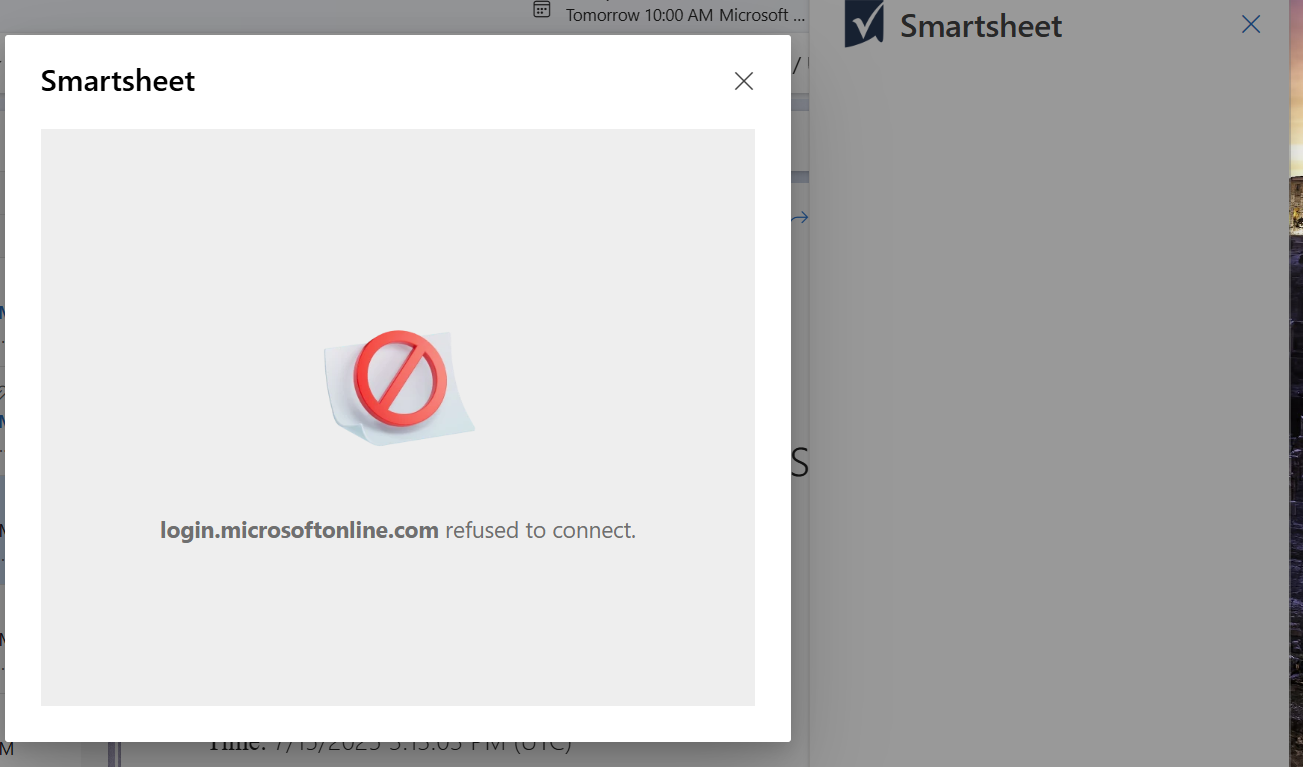
Has anyone successfully used the Smartsheet add-in on the new Outlook app on Windows yet?
The add-in works great in the Classic Outlook app, Outlook for Mac, and even Outlook on the web… but it does not work in the Windows New Outlook app.
I've reached out to both Microsoft and Smartsheet support and have not gotten anywhere. The suggestion from Smartsheet was to just revert back to Classic Outlook or use the web, and then to post the issue here so the product team can fix it…
I'm curious if others are experiencing the same issue.
 Andrew L.