Best Of
Re: How do you see which reports are connected to a sheet?
@Lenise Byrd hi! I would love to locate your New Feature request and vote. I'm running into same issue and SS Support said that function is not available yet. I'm having hard time locating it. Will you please send me the URL? Thank you!
 Chizu Hieida
Re: Resetting Auto-numbering for columns in templates and sheets
I have used a procedure similar to Andree's suggestion many times.
The old auto-numbers and/or their rows can be deleted, of course, but it is not necessary. When you change the column back to auto-number from text, any values left in that column will be retained - not overwritten by the auto-number configuration. This has allowed me to change my auto-number scheme for Project IDs to reflect updated standards without having to change the Project IDs for in-flight projects. I also keep in-sheet metadata & metrics. By pre-populating the auto-number column for those rows I avoid them receiving unwanted IDs, so they can be excluded from various filters, reports, etc.
Beware that you may need to save the sheet between each of Andree's steps, and refresh the sheet before changing the column back to auto-number from text. If the sheet is not refreshed it may retain outdated auto-number configuration - specifically the former starting / next number. I use the browser refresh button rather than the sheet's File / Refresh. It takes a second longer but has more reliable results for something this important.
 Pat Canning
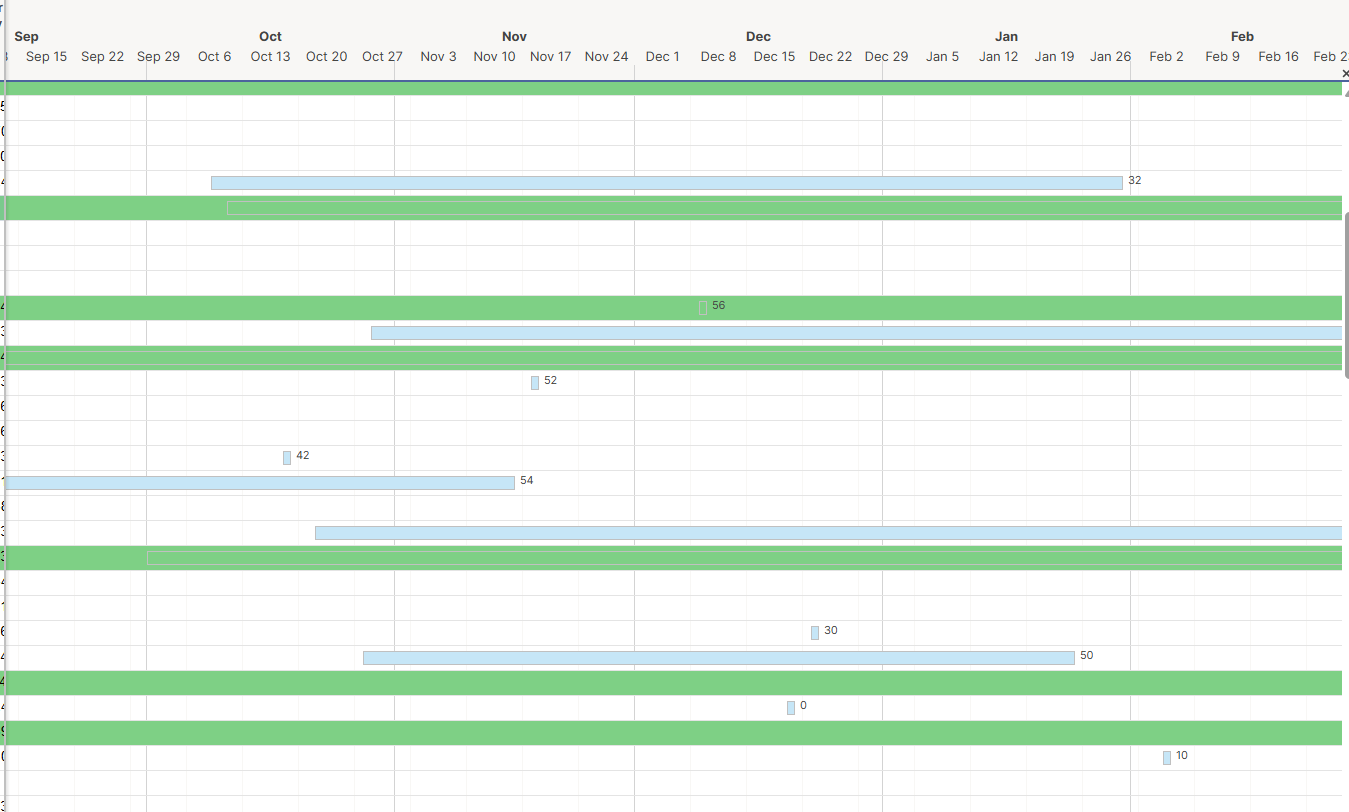
Update labelling in Gantt Chart View
Update the Gantt Chart view to display the value across all columns as opposed to just the bar. As well as, add the option to display the value at the beginning of the bar.
This feature would easily resolve LOTS of time spent on a project that we are still unable to resolve.
 jzarichney
List of Automations that include a Specific Column
We have multiple automated workflows that may utilize a single column. Currently, the only way to know if a column is used in a workflow is either in the workflow builder view or when you attempt to delete a column used in a workflow. It would be awesome to see a list of all automated workflows that are currently utilizing a specific column.


Re: Ability to drag/drop multiple documents in Dynamic View
Dynamic View needs drag and drop (multiple attachments all at once) to smartsheet and download multiple files at once. Has this feature been added to the enhancement road map?
Dynamic View ought to include options to remove attachments as well…and edit file names.
BradQM
Compliant Lock & Sign Cells
For environments that have have to comply with 21 CFR part 11 (like pharma) it would really expand our ability to utilize Smartsheet if we could sign data entries made directly into Smartsheet. Ideally, we could have a column setting toggle to "apply signature and lock when entered" which would prompt the user to enter user/pass when they make an entry in that field*. Smartsheet's cell history is awesome, but it does not live up to the requirement that the user enter a password to e-sign. Docusign is not a good solution because it fails to be "contemporaneous" - we don't do the signing at the time/place of entry, and it also isn't displayed within the cell. The pdf is signed, but as an attachment it can easily be removed from the row. The applied signature would be linked to the cell itself. Ideally, there would also be a way to display that signature in another field if needed (probably a formula to show the signature from a target cell), so that it could be easily printed/displayed for records/auditors.
With functionality like this, Smartsheet could even be used as a laboratory notebook, opening up a vast new market.
*You would also need an "Unlock" option when a user right-clicks the cell, requiring user/pass to be entered anew.
_Ernest_
Re: Group management could be made a whole lot easier.
Thank you for submitting this idea! Definitely agree with needing a .CSV export for auditing and having alphabetical order. As a system admin, auditing users that change departments or leave the company is daunting and I expect to have increased workload to maintain our users with the new pricing structure!
 meagans
Re: Group management could be made a whole lot easier.
Smartsheet!!!! Please implement this!!! I've asked about this at ENGAGE booth every year. 😭🙏🙏🙏🙏 Thank you @Bruce Northcote
Chizu Hieida
Re: Report Sorting By Primary Instead of Sheet
@S.Stone I've noticed that same "An error has occurred in Smartsheet" message a lot lately when I create new assets. Sometimes it takes up to 30 minutes for the asset to show up in my workspace.
This does seem like something way out of the ordinary!
I would recommend filing a support ticket directly in the Support Portal.
Hopefully Smartsheet can directly help figure this one out.
 SSFeatures