Best Of
Rich Text formatting in cells
I would love to see rich text formatting be available in cells on a sheet. We have several reports where we rely on certain words in a cell to be a different color than the other words in a cell (quickly showing variable options or redlining changed content if only a word or two has been altered). Currently, we are only able to house these items in Excel. It would be a game changer to be able to move this data into Smartsheet.
 Heather_Verde
Authorization for Connected Users
There currently is not a way for System Admins to be notified of, and, approve or disapprove of a connected user in the Admin Center.
Anyone that has an email on an approved domain has the ability to create a free account, whether they were authorized to or not, and becomes counted as a connected user for 365 days after their last login.
The only way for an admin to become aware of unauthorized account creation is to review the connected users report. At that point, there is no action that can be taken to proactively manage the impact to connected user counts for an entire year.
Under some pricing structures, the number of connected users can greatly affect contract terms and cost at renewal.
Please give Smartsheet customers the ability to protect their financial commitments and budgets with visibility and ability to proactively manage connected users.
Amy G
Join us for the Jumpstart 2026 Festival with Community!
Four years ago, we threw a virtual party to kick off the new year and bring this beautiful Community together. Because of you, we've grown from that one event to a week. Long. Festival! 📢
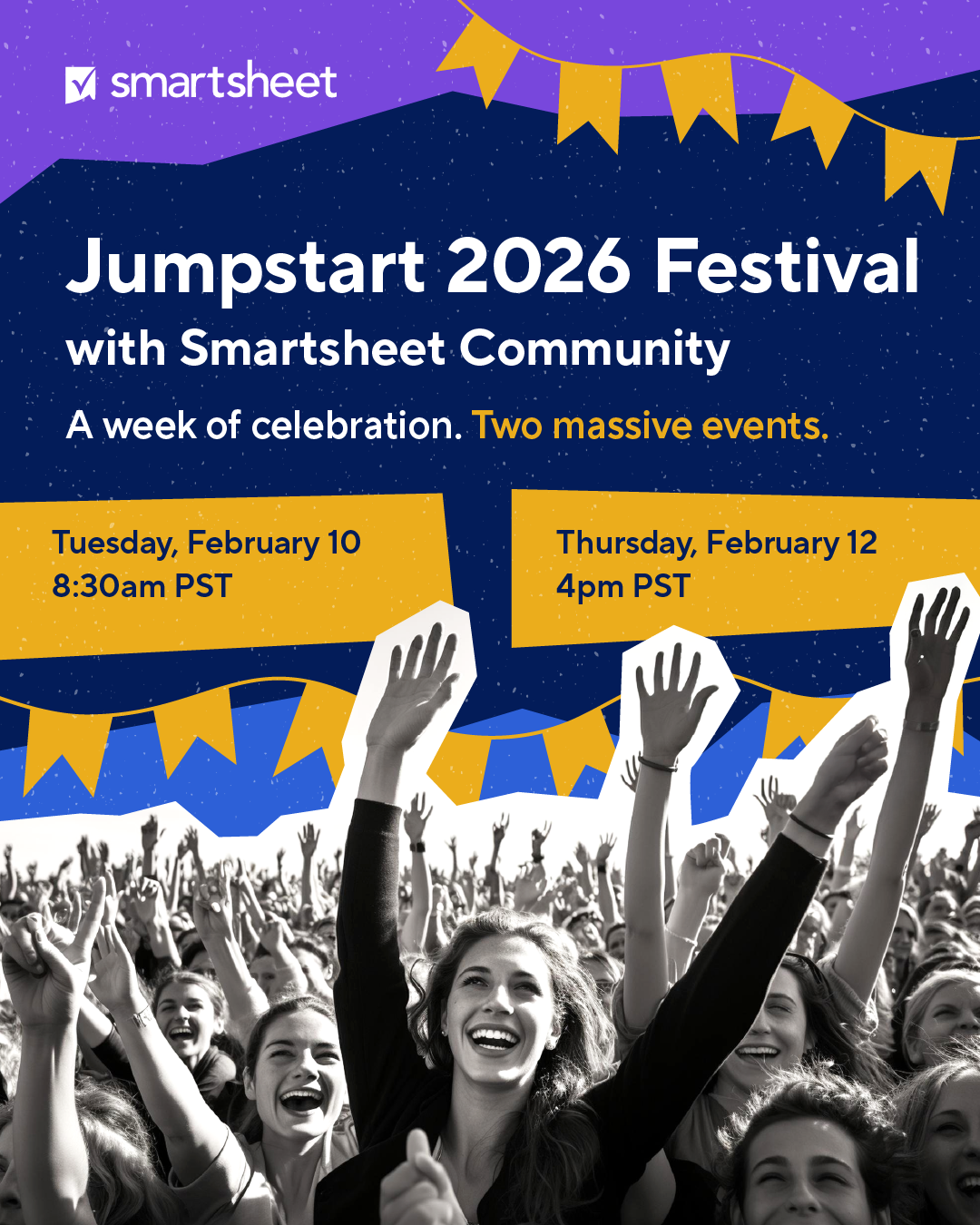
You read that right: A week of celebration. Two massive events.
Starting the week of February 9, the Community will be a place of celebration with a packed schedule of activities, giveaways, networking opportunities, and not one, but TWO virtual events for you to attend. Here's the lineup:
- Monday Feb 9 (“Soundcheck”) on Community
- Tuesday Feb 10 8:30am - 9:30am PST (Event Day 1) [Register here]
- Wednesday Feb 11 (“Intermission”) on Community
- Thursday Feb 12 4pm - 5pm PST (Event Day 2) [Register here]
- Friday Feb 13 (“Closing Act”) on Community
You can register for one or both virtual events, and be sure to stay right here in Community on the other days for more ways to get involved, meet your peers, and learn about Smartsheet. Whatever you're up for, we have something for you. Let's turn up the volume and jumpstart 2026 together!
NOTE: If you are brand new to Community, we recommend registering before Jumpstart to help get you started.
 Rebeca S.
Renaming Projects in Control Center
An enhancement would be to allow for renaming projects within the control center. This is coming up a lot in current work where names can alternate and should be represented in the core of the program. My data works with properties, so keeping those names consistent as changes occur is vital to communicating the information.
lsen
Column descriptions for Reports
Does anyone know if this has been submitted for enhancements, or if this option is coming in the near future?
Decouple Comment Lock From Row Lock
I would like to be able to lock a row (and thus prevent editing it's content) WITHOUT locking the ability to add, update, edit, or delete comments from that row.
User story: We have a project schedule template with deliverables, milestones, tasks, and dates. The date rows are locked because they are cell-linked to project intake data (using Control Center). I do not want users to be able to edit the content in this row, but I do want them to be able to comment on the row and thus be able to communicate changes (or potential changes) to these dates.
 Swampcat14
Re: Chart Axis Customization
Hi Sasan-
I do believe this is an important feature. I really can't use this chart visual because it does not represent the story of being 30% over budget accurately with the Scale as is.
Thanks-
Jim
 Jim Schaffhausen
Request for Rollback - create sheets in Sheets folder
This new update from Smartsheet is hindering work performance for us and I'm wondering if other users are feeling the same way. This new update has created the inability to create folders, move sheets into folders and made it mandatory for new workspaces to be created when a sheet/report/dashboard is being created. For us, this is not optimal.
In fact, it has disimproved existing organization, hindered streamline in creation, forced collaboration where it is not needed, and has increased confusion in our preexisting workflow.
Please rollback this new way of operating Smartsheet.
lpierre
Post Collection Release - Still Need Folder-Level Permissions
I would like to reopen the discussion on this topic:
Even though Collections sortof work, it adds extra complexity, extra time and extra work. Being able to share a folder as opposed to having the all or nearly nothing approach be preferred. I am currently having to create 3 collections for every single folder within our PMO workspace, just so I can share what is in each folder with the appropriate permissions.
 Matt_A
A memorable year for the Smartsheet Community
Hello Smartsheet Community,
I hope January has been an energizing and inspiring month for you so far. As we look forward to all the amazing open doors 2026 has for us, let’s take one last look back at 2025 to celebrate an incredible year of growth, connection, and achievement for the Community.
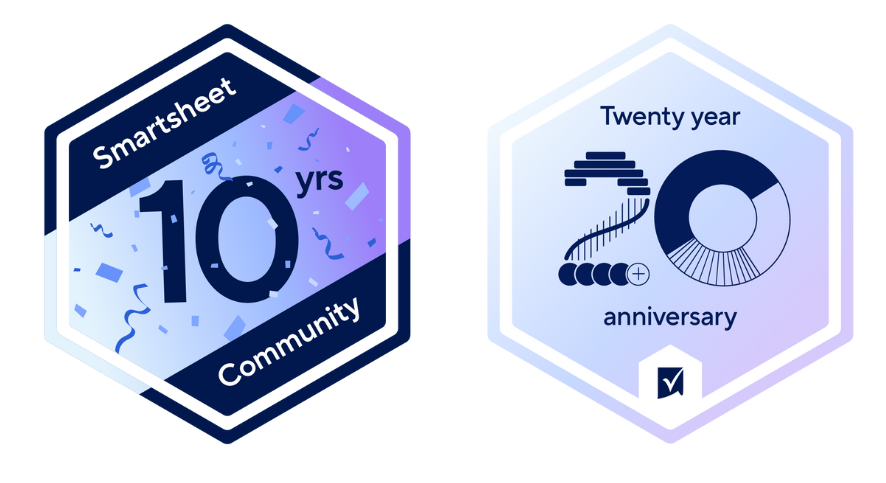
10 Years of Community & 20 Years of Smartsheet 🎉
Last year was a landmark, “Double Anniversary.” We celebrated 10 years of the Smartsheet Community, a big moment for all of us, featuring fun giveaways, testimonials from members that have been here since the beginning, a special press release with a shout out to our Community Champions, and a commemorative badge for everyone.
But the celebrations didn’t stop there: Smartsheet also reached its 20 year mark. You joined us by answering trivia and earning a commemorative badge, and 5 Community members won a special edition picnic blanket to mark the occasion. Thank you for being an important part of Smartsheet history!
Growing With You
As the years go by, we continue to evolve to be the space you need. In 2025, we introduced several enhancements to improve your experience and make finding what you’re looking for easier than ever:
- Improved Experience: We launched a new homepage design and enabled the AU login option.
- New Resources: We introduced Use Case topics so you can connect with peers and badges for the new certifications to celebrate your achievements.
- Clearer Growth Path: We updated our Community Customer Journey based on your feedback to showcase how you can grow within the Community.
A Bustling Community
Every day, you ask questions, share ideas, and help your peers succeed. We see the work you put in, and the 2025 numbers are a testament to what we’ve created together:
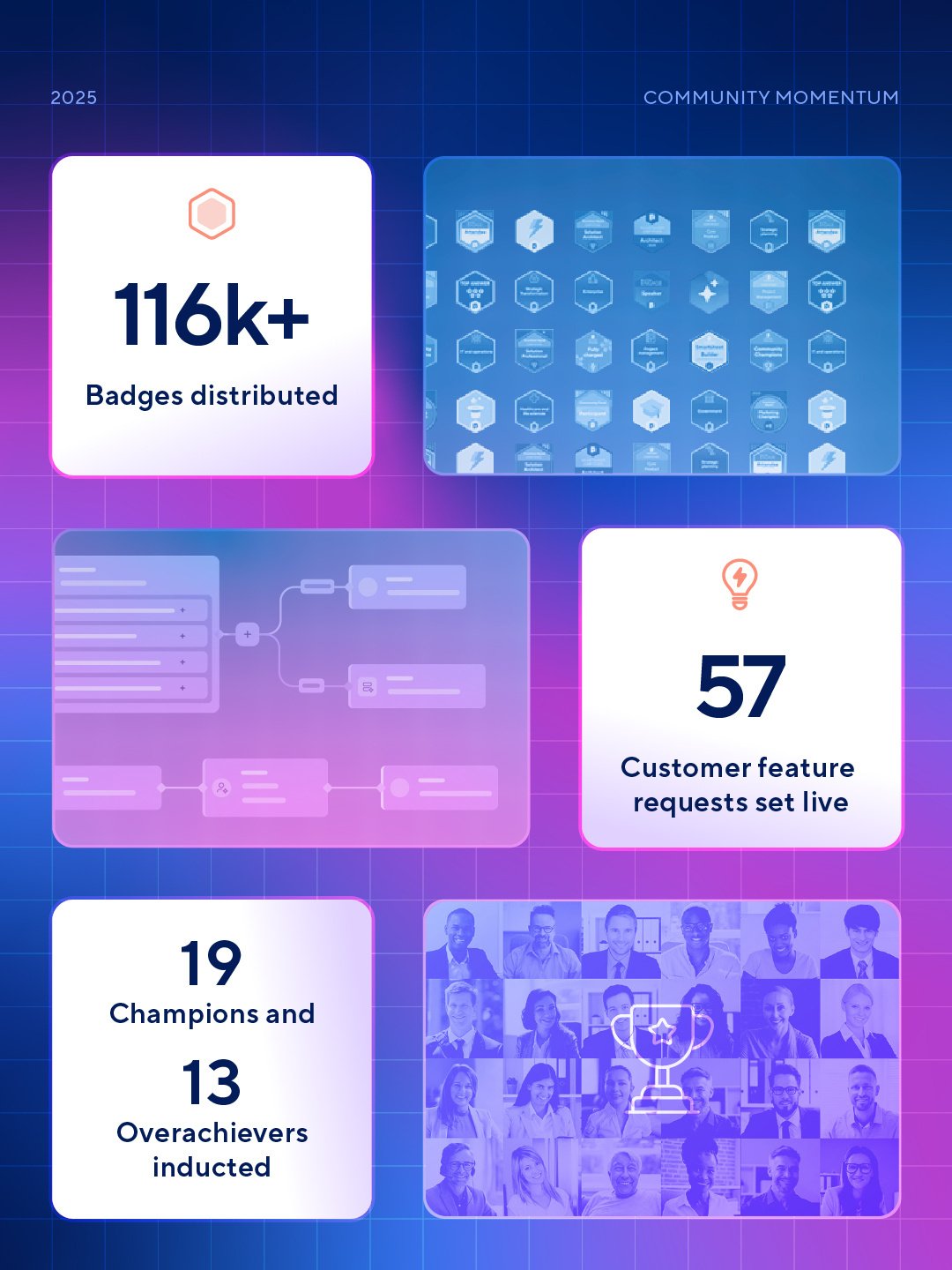
- You’re unstoppable: 2025 saw over 47k+ posts created, with a grand 38k+ reactions.
- Recognition: You earned an incredible 116k+ badges for participating in Community activities. 🤯
- Innovation: We heard your feedback and set live 57 of your feature requests.
- Growth: Our Community Customer programs welcomed new members, inducting 19 Champions and 13 Overachievers.
- Global Community: Our annual Jumpstart event was a great time, and we hosted two events for the first time, with 2k registrations, and attendees from 31 different countries.
Connected At ENGAGE
Last, but definitely not least, we had the wonderful opportunity to reunite in person in Seattle. It was a joy to see so many of you at the Community booth, where you built over 500 friendship bracelets and keychains and spent time connecting with your peers.
It was also the place for our annual Community Mixer, where our Overachievers and Champions were joined for the first time by our Leaders & Ambassadors. We loved seeing some of our most engaged members build friendships and connect, and we can’t wait to see even more of you join these programs in 2026!
Feeling inspired by everything we achieved in 2025? Head over to our January Question of the Month and tell us which new ideas you're planning to put into practice this year. (Did I mention you’ll earn our brand-new badge for participating? 😉)
 Rebeca S.